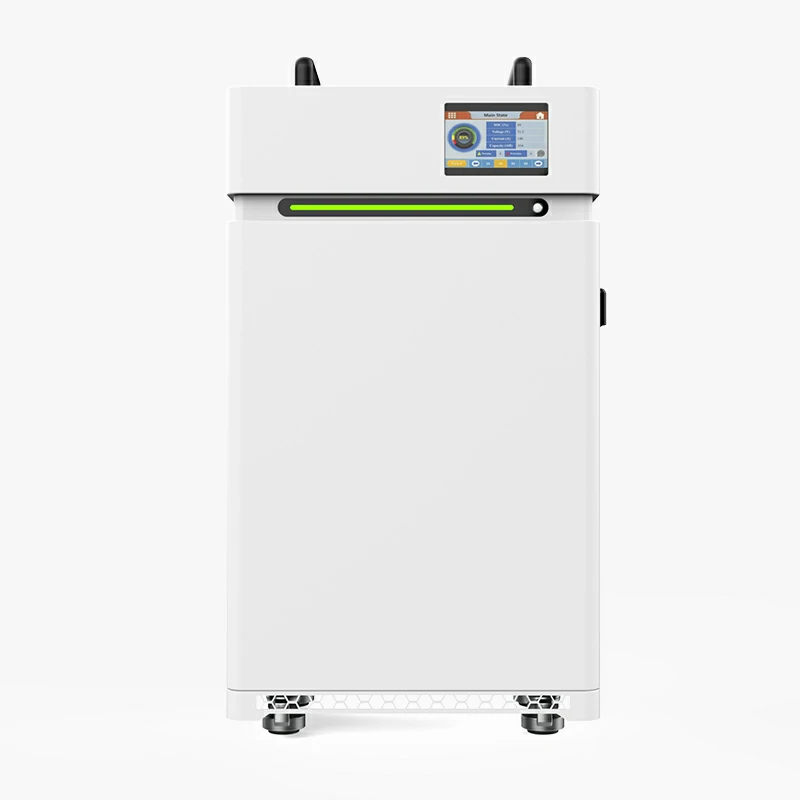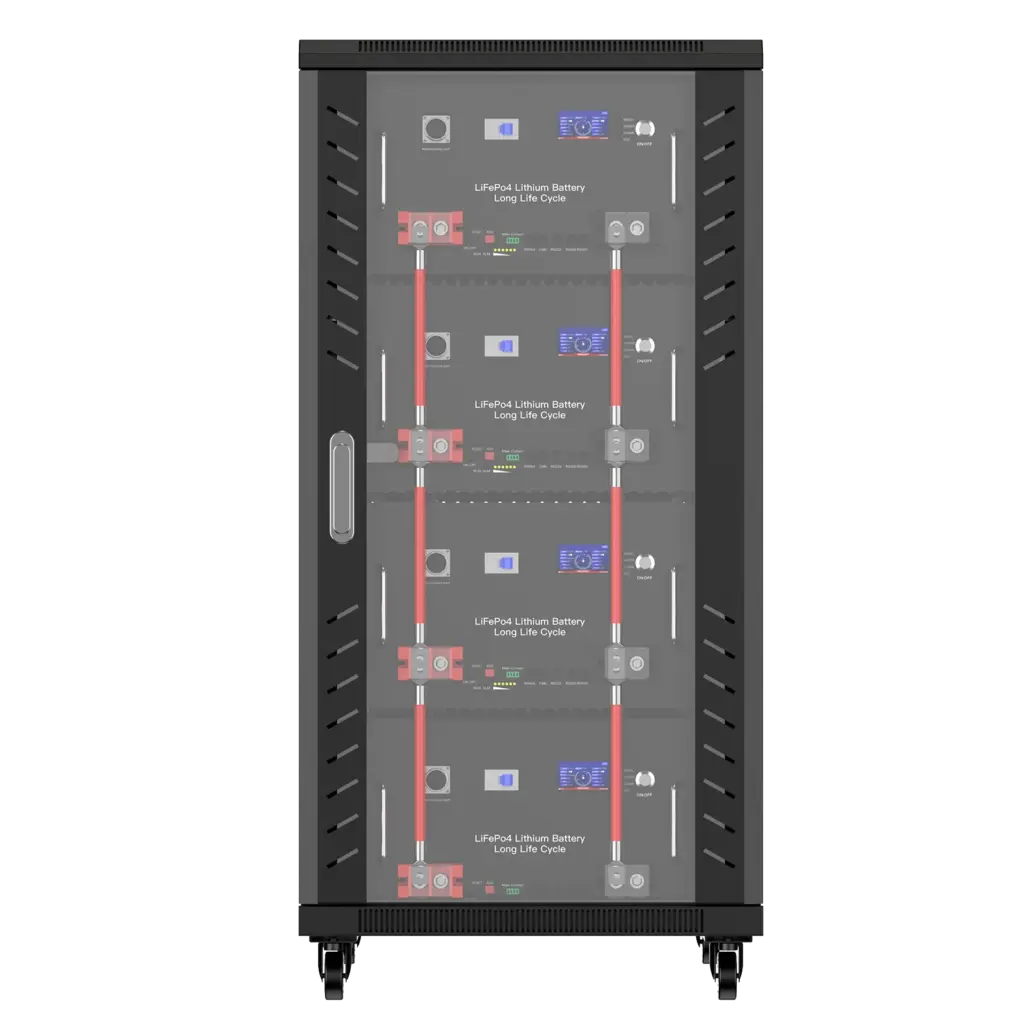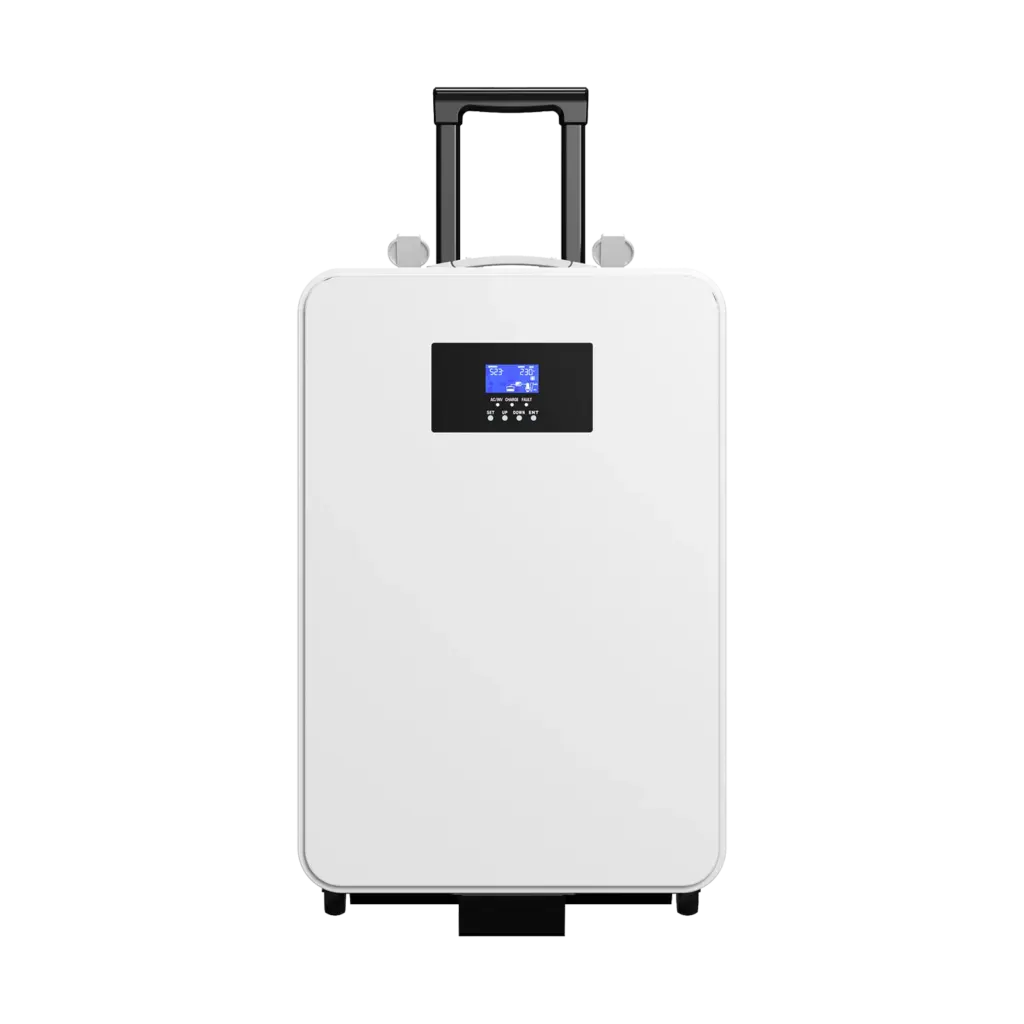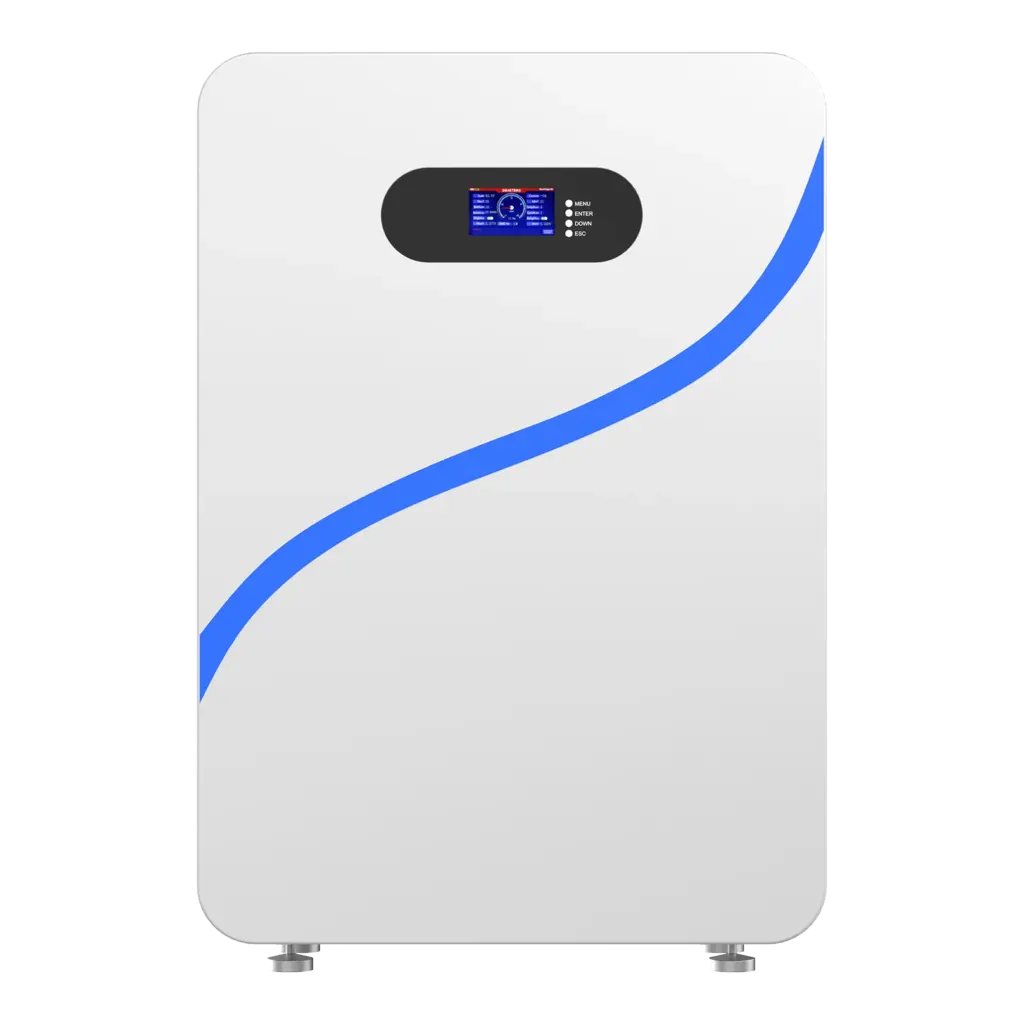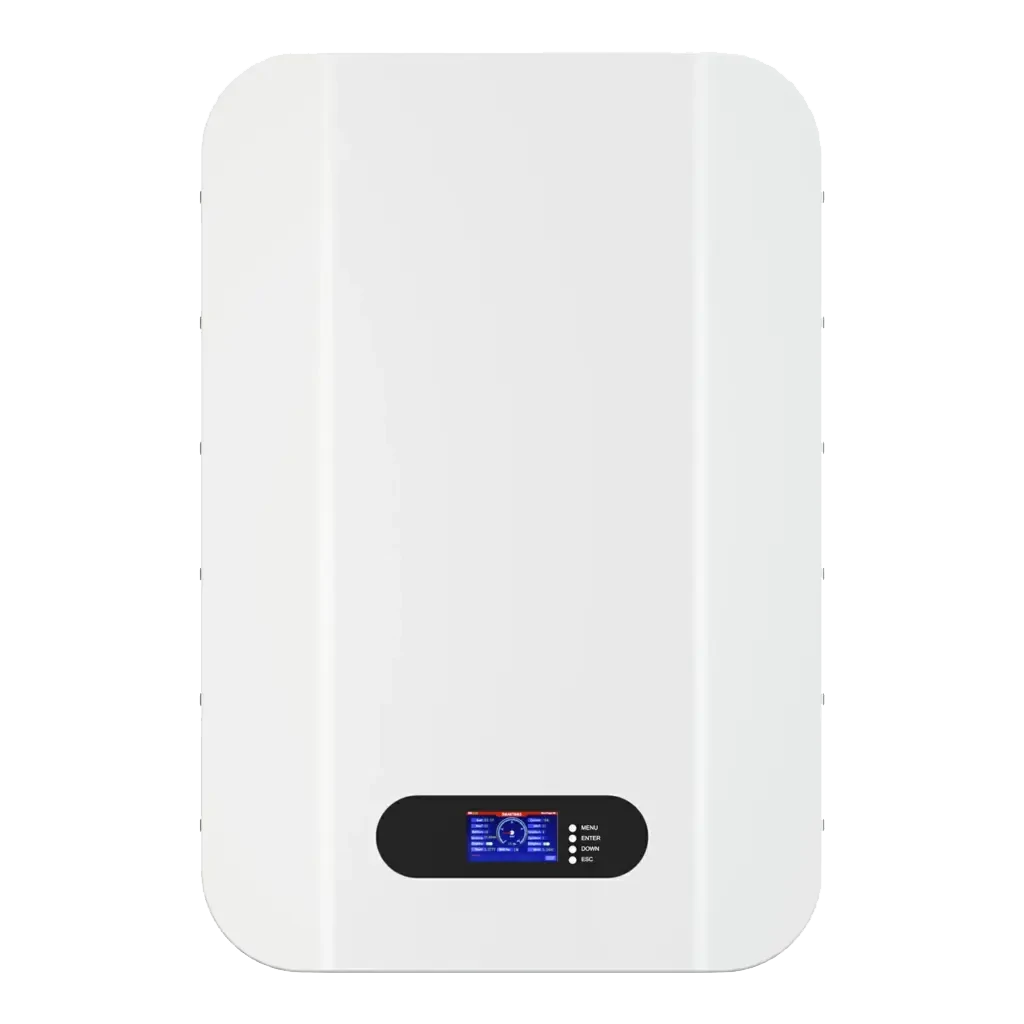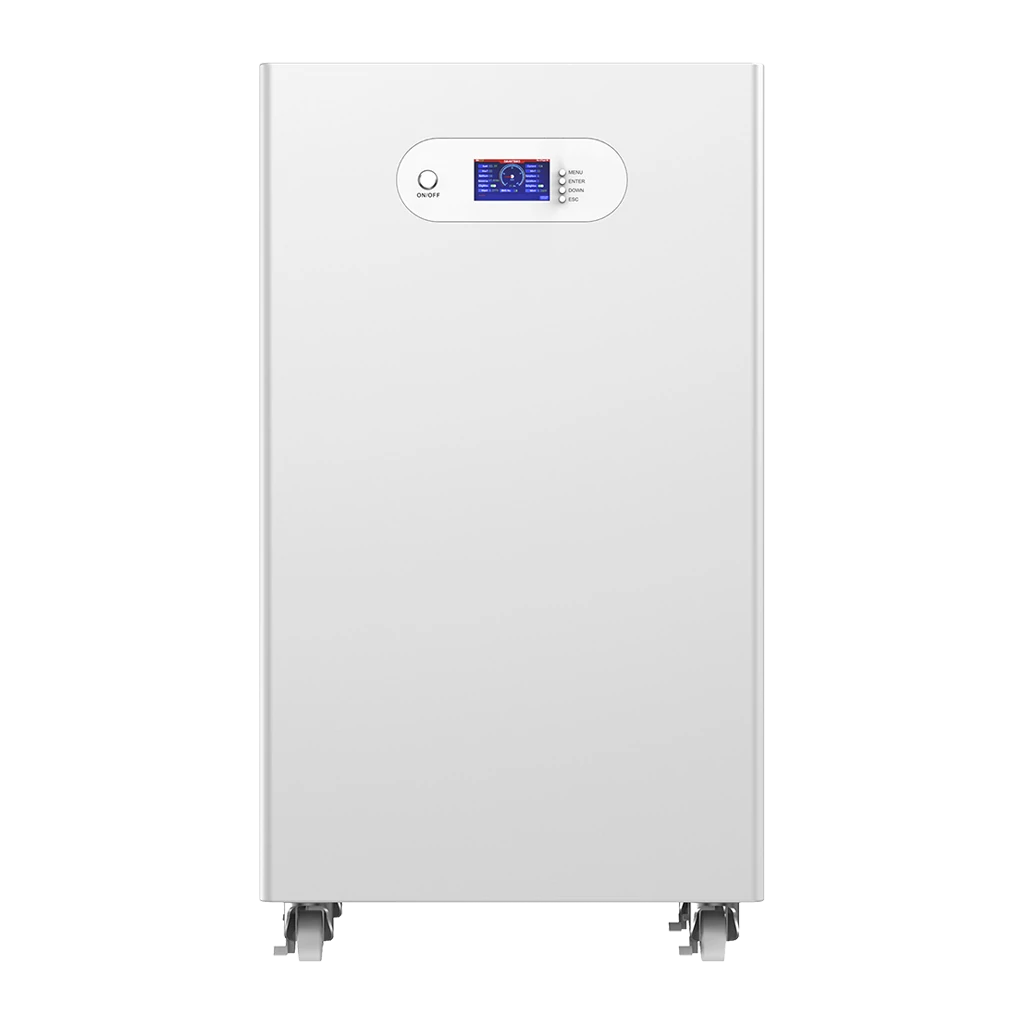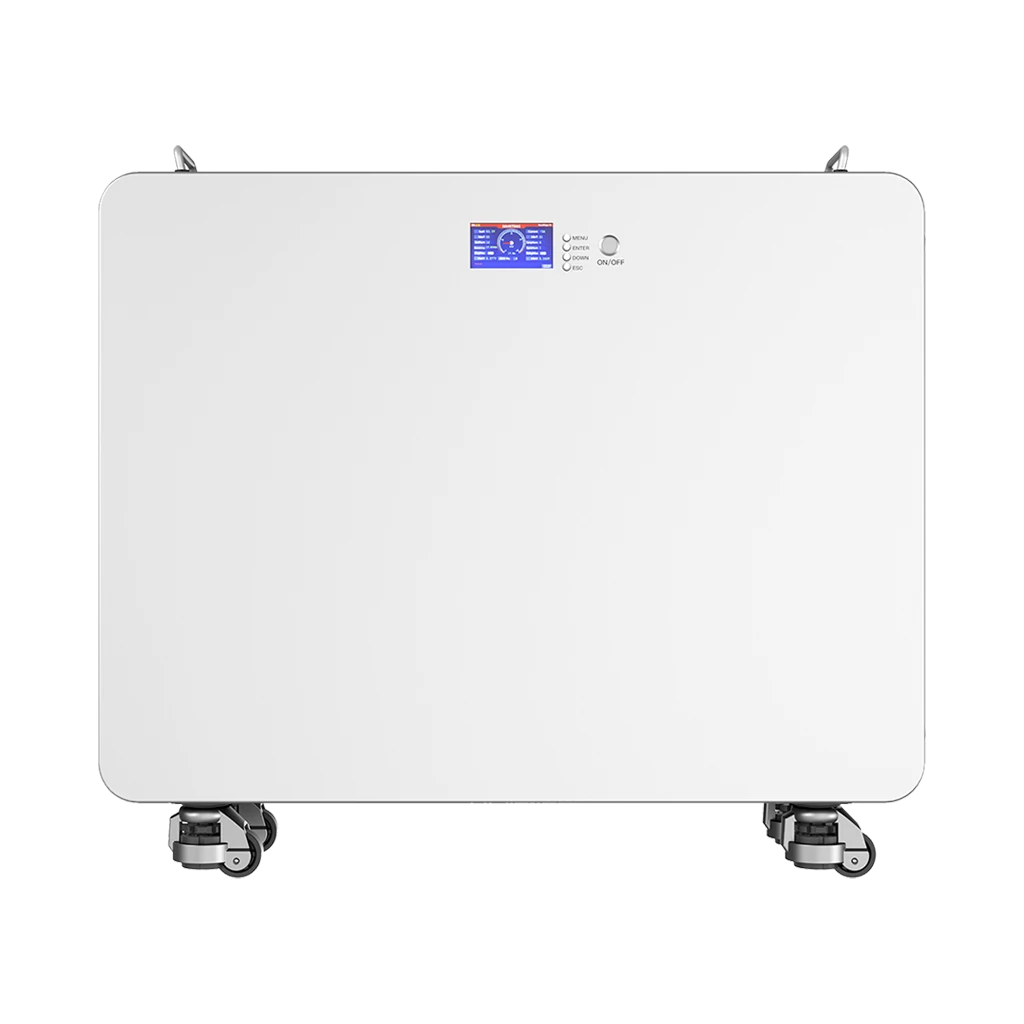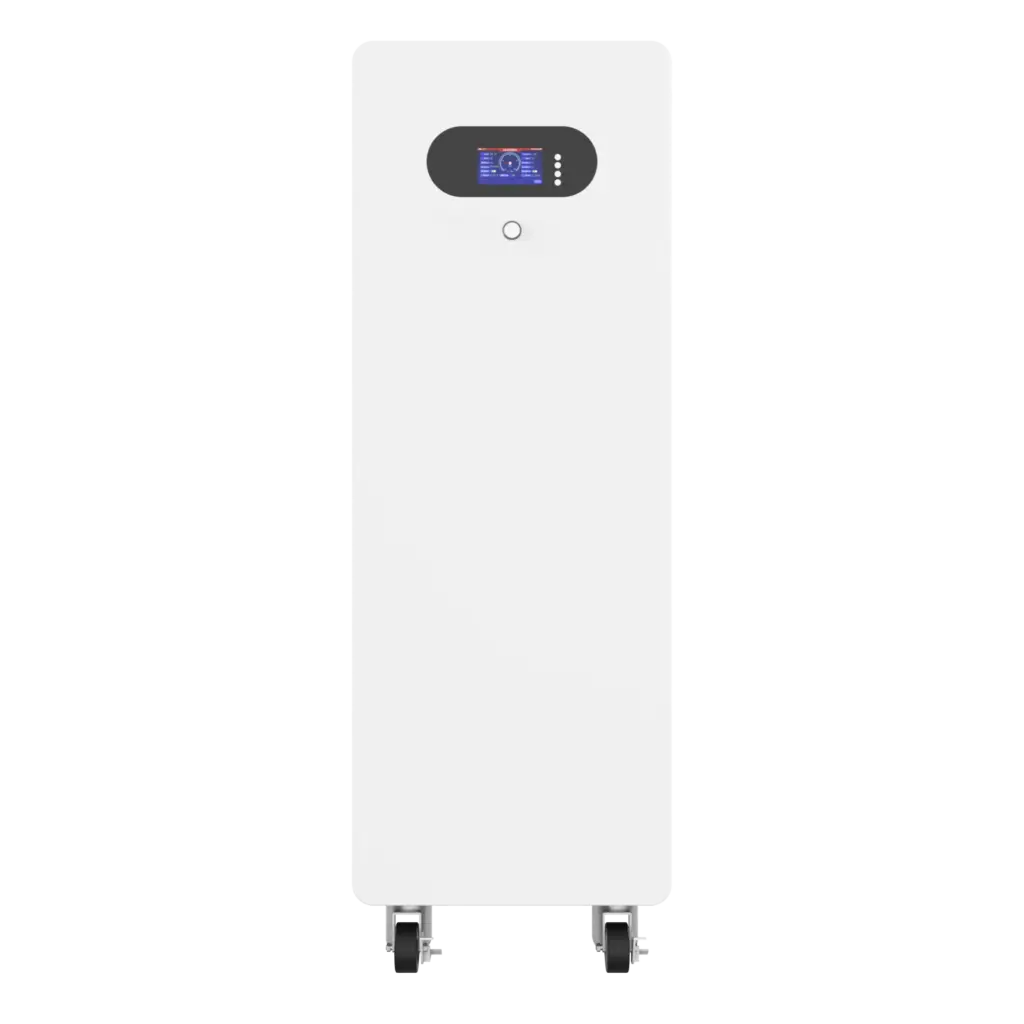

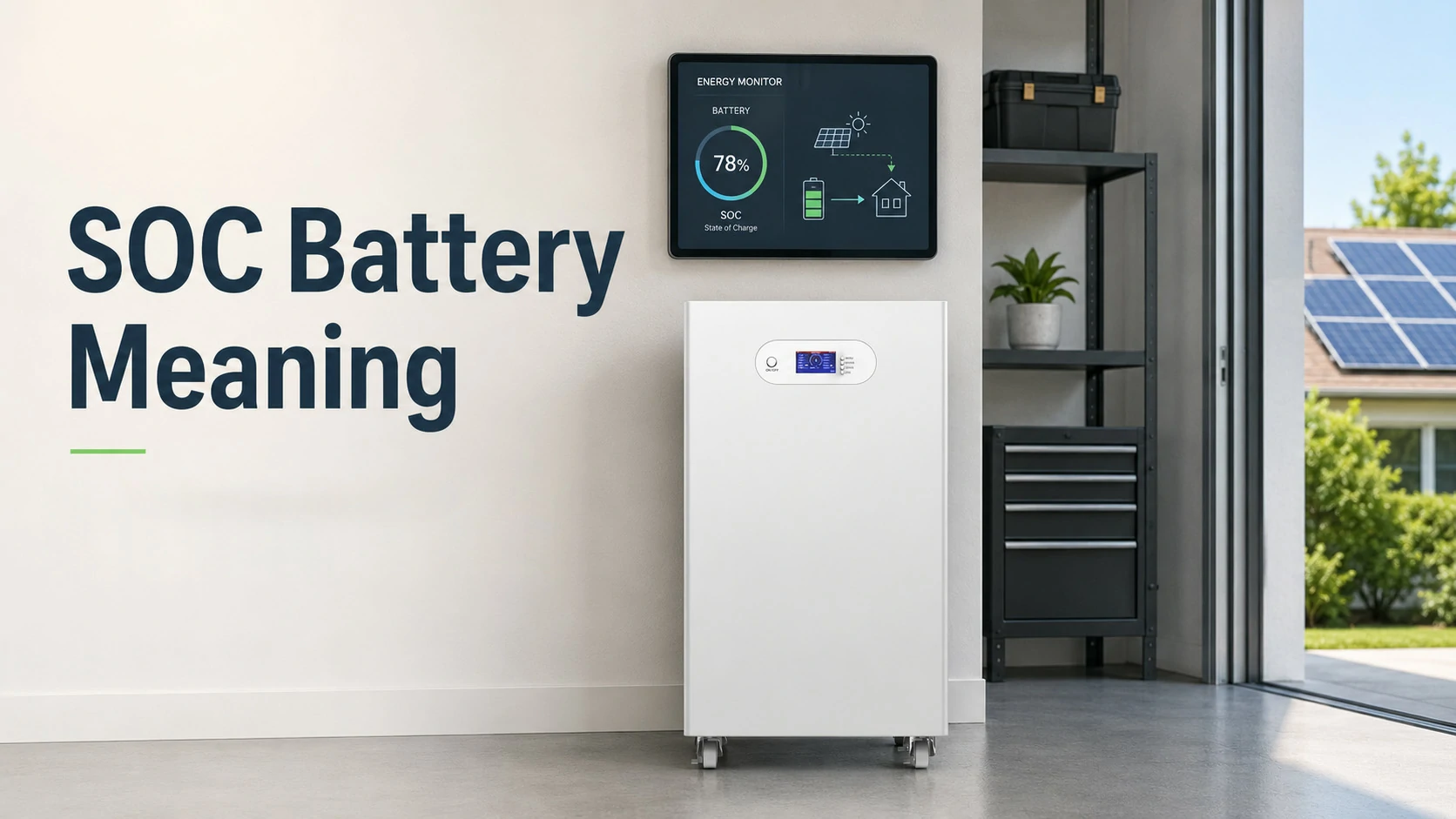
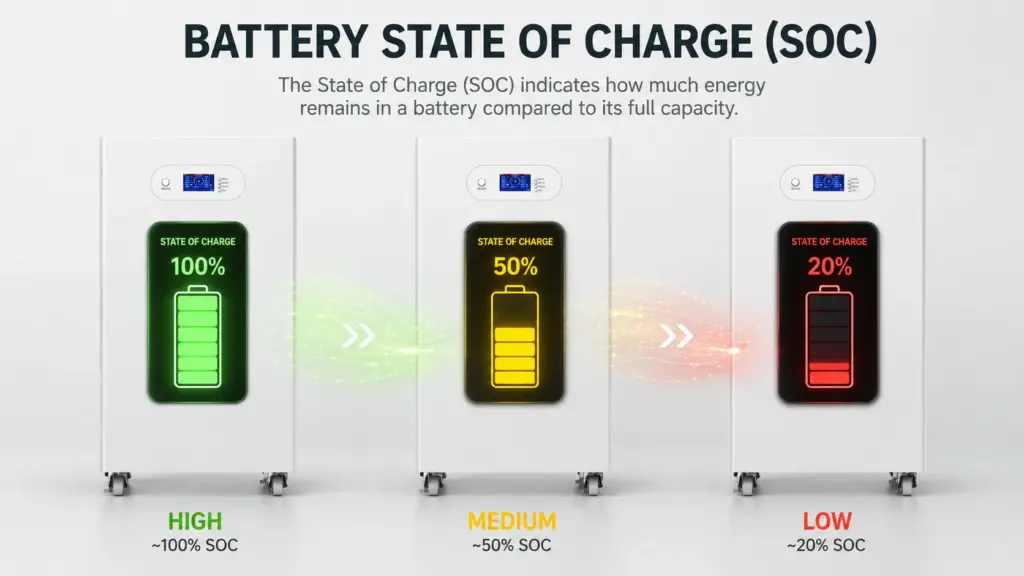
SOC stands for State of Charge. It shows the estimated percentage of usable battery charge remaining at a given moment.
- 100% SOC: battery has reached its defined full-charge point
- 50% SOC: roughly half of the usable charge remains
- 0% SOC: battery has reached its defined lower usable limit
SOC Formula
SOC (%) = Remaining Capacity ÷ Full-Charge Capacity × 100
Example:
60Ah ÷ 100Ah × 100 = 60% SOC
SOC is not measured directly. A BMS estimates it using current, voltage, time, temperature, battery capacity and battery-model data. Because SOC is an estimate, the displayed percentage can drift and may occasionally require synchronization or calibration.
What Does Battery SOC Percentage Mean?
SOC stands for State of Charge. It represents the remaining usable charge in a battery compared with the battery’s available full capacity.
For example:
| Displayed SOC | Practical Meaning | Example With a 10kWh Usable Battery |
|---|---|---|
| 100% | Defined full-charge point | ≈10kWh available |
| 80% | Most usable charge remains | ≈8kWh |
| 50% | About half remains | ≈5kWh |
| 20% | Low remaining charge | ≈2kWh |
| 0% | Defined lower usable limit | System may keep a hidden protection reserve |
Displayed SOC is an estimate, and the actual deliverable energy depends on battery SOH, reserve settings, temperature, load, inverter efficiency and BMS limits.
How Do You Calculate Battery SOC?
Battery SOC can be expressed as the remaining available capacity divided by the battery’s current full-charge capacity, multiplied by 100.
SOC (%) = Remaining Capacity ÷ Full-Charge Capacity × 100
If a battery has 60Ah remaining from a current full-charge capacity of 100Ah:
60 ÷ 100 × 100 = 60% SOC
For an energy storage system, the same relationship can be expressed in kWh:
SOC (%) = Remaining Usable kWh ÷ Full Usable kWh × 100
If a 20kWh battery currently has 8kWh available:
8 ÷ 20 × 100 = 40% SOC
SOC vs DoD: What Is the Difference?
SOC means State of Charge. It tells you how much energy is left.
DoD means Depth of Discharge. It tells you how much energy has already been used.
The relationship is simple:
DoD (%) = 100% − SOC (%)| Term | Full Name | What It Answers | Example |
|---|---|---|---|
| SOC | State of Charge | How much charge is left right now? | The battery is at 70% SOC |
| DOD | Depth of Discharge | How much capacity has been used? | A battery discharged from 100% to 30% has used 70% DOD |
For example, if a battery is at 30% SOC, it has reached 70% DoD. This matters because many batteries are not designed to be fully discharged every day. In lithium iron phosphate storage systems, using a controlled SOC window can help support long-term cycle life and reduce stress on the battery pack.
SOC vs SOH: What Is the Difference?
SOC changes every time the battery charges or discharges. SOH changes slowly over months and years as the battery ages. A battery may show 100% SOC but still have lower usable capacity if its SOH has declined.
For example, a new 10 kWh battery at 100% SOC may store close to 10 kWh. After years of use, if the battery’s SOH falls to 80%, then 100% SOC may only represent about 8 kWh of usable capacity.
| Term | Full Name | Main Question It Answers | Example |
|---|---|---|---|
| SOC | State of Charge | How full is the battery right now? | The battery is at 65% SOC |
| SOH | State of Health | How healthy is the battery compared with when it was new? | The battery has 90% SOH |
| DoD | Depth of Discharge | How much has been used? | The battery has reached 70% DoD |
| SOE | State of Energy | How much usable energy is available? | The system can deliver 6 kWh |
| SOP | State of Power | How much power can the battery deliver now? | The pack can safely output 5 kW |
How Does a BMS Estimate Battery SOC?
Modern BMS systems usually estimate SOC by combining current measurement, voltage information and battery models rather than relying on one signal alone.
| Method | How It Works | Main Limitation |
|---|---|---|
| Coulomb Counting | Integrates charge and discharge current over time | Sensor and capacity errors can accumulate |
| Open-Circuit Voltage | Maps rested battery voltage to an SOC curve | Requires stable/rested conditions |
| Voltage-Based Estimation | Uses terminal voltage as an SOC indicator | Load and temperature affect voltage |
| Model-Based Estimation | Uses battery models and algorithms such as Kalman filtering | Requires accurate model parameters |
| Hybrid Estimation | Combines current, voltage and model correction | More complex but generally more robust |
Coulomb counting is widely used, but its accuracy depends strongly on current-sensor accuracy, initial SOC and available battery capacity. Combining it with open-circuit-voltage correction is one established method for reducing accumulated error.
Why Is Battery SOC Sometimes Inaccurate?
Battery SOC is an estimate, so the displayed percentage can differ from the battery’s true remaining capacity. Small errors in current measurement, capacity settings and initial SOC can accumulate over time.
Common Causes of SOC Reading Error
| Cause | How It Affects SOC |
|---|---|
| Current sensor offset | Small measurement errors accumulate during charging and discharging |
| Incorrect battery capacity setting | The BMS calculates SOC against the wrong reference capacity |
| Battery aging | Actual full capacity decreases while the configured capacity may remain unchanged |
| Temperature | Available capacity and voltage behavior change with temperature |
| Incomplete charge cycles | The BMS may not receive a reliable full-charge reference point |
| Cell imbalance | Individual cells may reach limits before the pack-level SOC suggests |
| Voltage sag under load | Terminal voltage can temporarily fall without the same reduction in true SOC |
| BMS/inverter communication errors | Different devices may display different SOC values |
Example: How SOC Drift Can Appear
Suppose a 100Ah battery monitor has a small current measurement offset.
If the system repeatedly charges and discharges without reaching a reliable synchronization point, the accumulated amp-hour calculation may gradually become inaccurate.
The battery might physically be near full charge while the display shows:
92% SOC
or it may show:
20% SOC
even though the battery reaches its low-voltage protection limit earlier than expected.
This does not always indicate a defective battery. It may indicate that the BMS or battery monitor needs to re-establish a reliable full-charge reference.
How Do You Calibrate Battery SOC?
SOC calibration gives the BMS or battery monitor a reliable reference point so its displayed percentage can be aligned more closely with the battery’s actual charge state. In many systems, synchronization occurs when the battery reaches a confirmed full-charge condition.
A typical battery monitor may identify a full battery using several conditions together:
- Battery voltage has reached the configured charged-voltage threshold
- Charge current has fallen below the configured tail-current threshold
- These conditions remain stable for a defined period
Once these conditions are satisfied, the monitor can synchronize SOC to 100%.
Practical SOC Calibration Steps
- Check the battery capacity setting.
Confirm that the BMS, shunt or battery monitor is configured with the correct Ah capacity. - Confirm current measurement is correct.
If the system shows current while no load or charger is active, the current sensor or shunt may require checking or zero-current calibration. - Charge the battery using the manufacturer-approved profile.
Allow the battery to reach its defined full-charge condition. - Allow the charging current to taper normally.
Full voltage alone does not necessarily mean the battery is fully charged. - Allow the BMS or monitor to synchronize.
Some systems synchronize automatically; others provide a manual SOC synchronization function. - Check SOC behavior over the next charge/discharge cycle.
Compare SOC with voltage, current, cell data and delivered energy rather than relying on the percentage alone.
Important
Do not manually force SOC to 100% unless the battery is actually at a verified full-charge condition.
A false synchronization point can make subsequent SOC calculations less accurate rather than more accurate.
SOC Reading Troubleshooting Table
| Symptom | Possible Cause | What to Check |
|---|---|---|
| SOC stays at 100% too long | Incorrect capacity or current measurement | BMS capacity setting and current sensor |
| SOC drops suddenly | Cell imbalance, load spike or recalculation | Cell voltages, current and alarms |
| SOC never reaches 100% | Battery never reaches synchronization conditions | Charge voltage, tail current, charger profile |
| Battery shuts down at 10–20% SOC | SOC drift or minimum cell voltage reached | Cell voltage, BMS cutoff and calibration |
| SOC jumps after charging | BMS performed a correction or synchronization | Charge history and BMS logs |
| Inverter SOC differs from battery SOC | Communication or data-source mismatch | CAN/RS485 protocol and master SOC source |
Why SOC Matters for Battery Performance
SOC is more than a number on a screen. It affects how safely and efficiently a battery system operates.
1. SOC Helps Prevent Overcharge and Deep Discharge
If SOC becomes too high, the system may stop charging to avoid overcharge. If SOC becomes too low, the system may stop discharging to avoid deep discharge. This is one of the key jobs of a BMS. In a lithium battery pack, the BMS monitors SOC along with voltage, current, and temperature to keep the battery within a safe operating window.
2. SOC Helps Estimate Runtime
If you know the battery SOC and the load power, you can roughly estimate how long the battery may last.
Example:
A 10 kWh battery is at 60% SOC.
Available energy ≈ 10 kWh × 60% = 6 kWhIf the home is using 1 kW of power:
Estimated runtime ≈ 6 kWh ÷ 1 kW = 6 hoursThis estimate is simplified. Actual runtime depends on inverter efficiency, discharge limits, temperature, load variation, battery age, and reserve settings.
For a deeper practical guide, users can also read Avepower’s article on how long a 15 kWh battery lasts, which explains battery runtime through real usage examples.
3. SOC Supports Solar Self-Consumption
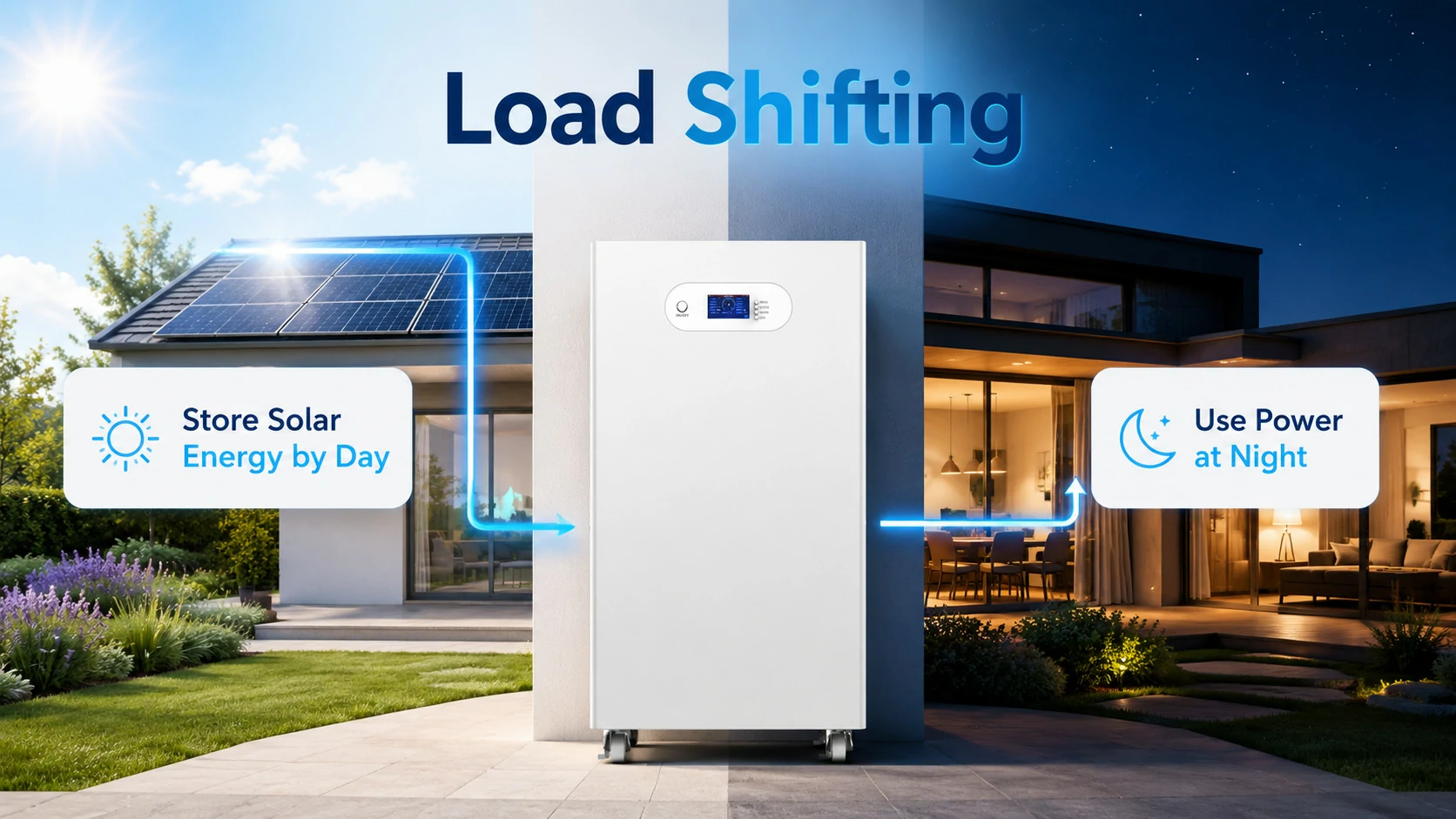
In a solar battery storage system, SOC helps decide where solar energy should go.
For example:
- If SOC is low, solar energy may charge the battery first.
- If SOC is high, solar energy may power home loads or export to the grid.
- If SOC reaches the backup reserve level, the system may stop discharging.
- If time-of-use electricity prices are available, the system may charge or discharge based on tariff strategy.
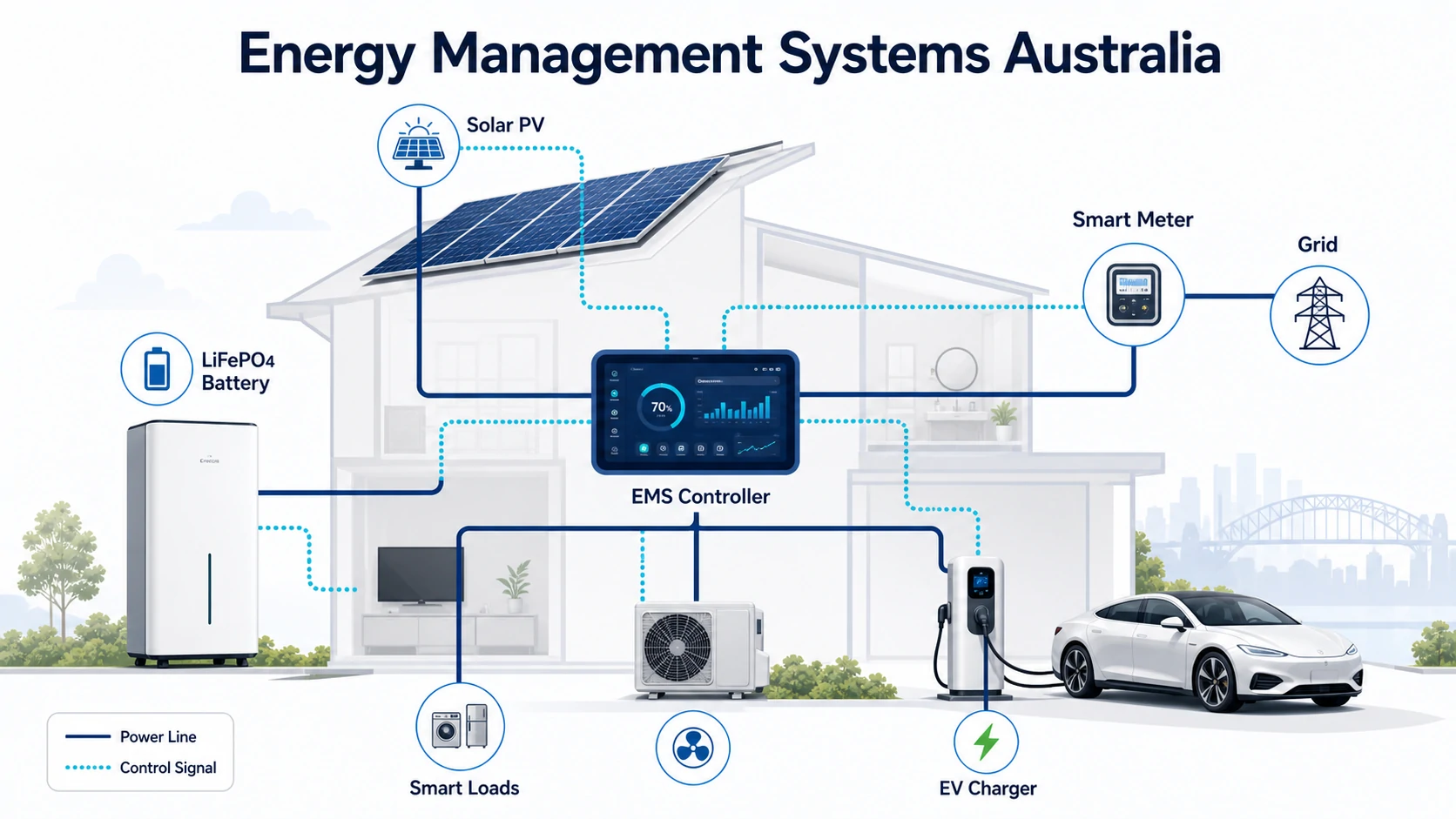
This is why SOC is important for home energy storage systems, especially when batteries are used for solar self-consumption, backup power, and peak shaving. Avepower’s presents residential energy storage solutions for storing solar energy, reducing grid dependence, and keeping essential home loads running.
4. SOC Helps Protect Battery Lifespan
Battery life is affected by many factors, including temperature, cycle depth, charge voltage, discharge current, and how often the battery is used at very high or very low SOC.
Keeping a battery inside a reasonable SOC operating range can reduce unnecessary stress. For example, a system may reserve the bottom 10% or 20% SOC to avoid excessive deep discharge. Some applications may also avoid holding batteries at 100% SOC for long periods, depending on battery chemistry and use case.
For LiFePO4 solar storage systems, the BMS usually manages charge and discharge limits automatically. Avepower’s LiFePO4 battery life guide can be used as a supporting internal resource when explaining how cycle life, depth of discharge, and operating conditions affect long-term performance.
SOC in Lithium Batteries and LiFePO4 Batteries
SOC is especially important for lithium-ion and LiFePO4 batteries because these systems are commonly used in:
- Home solar batteries
- Commercial battery storage
- RV and marine batteries
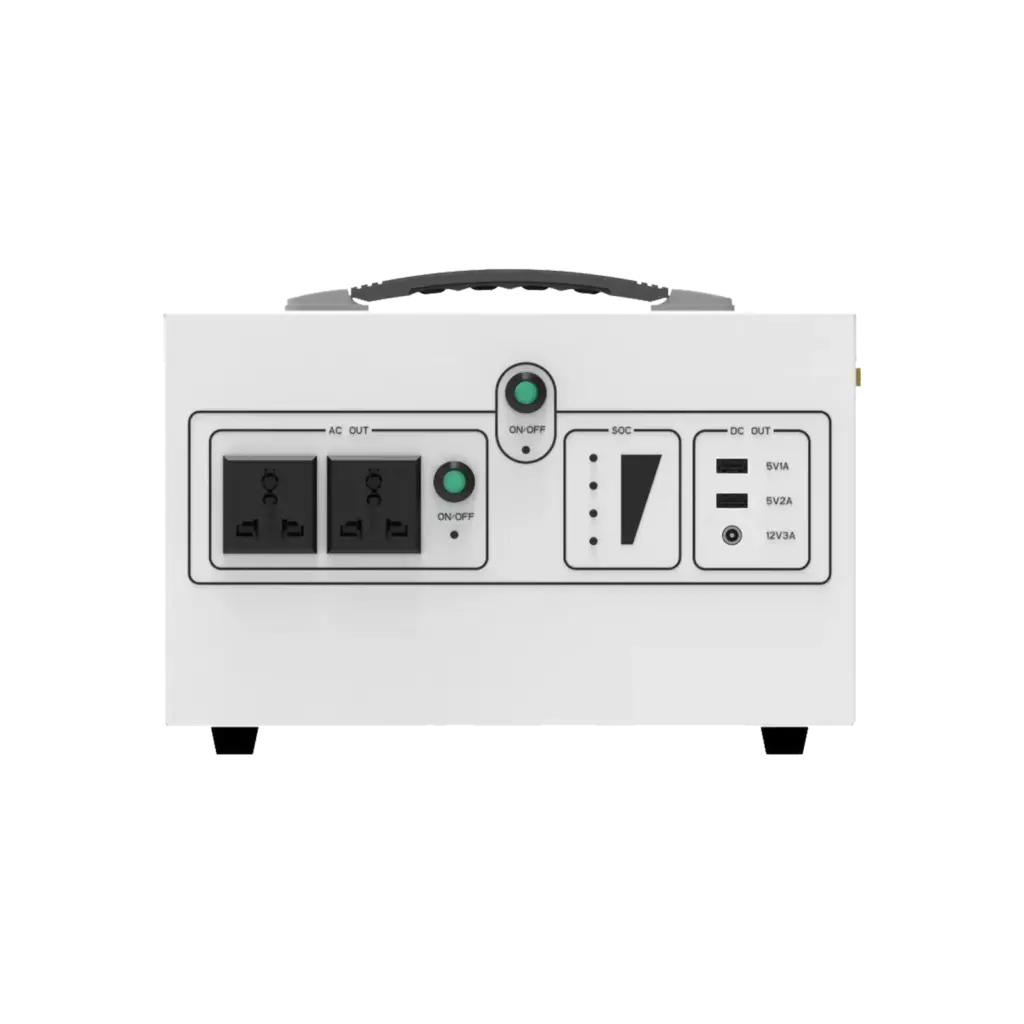
- Portable power stations
- Electric vehicles
- Telecom backup systems
- Off-grid power systems
- Industrial energy storage cabinets
Lithium batteries usually offer high energy density, high efficiency, and long cycle life, but they also require precise electronic management. A BMS is not optional in a serious lithium battery system. It monitors cells, estimates SOC, controls charging and discharging, protects against abnormal conditions, and communicates with inverters or energy management systems.
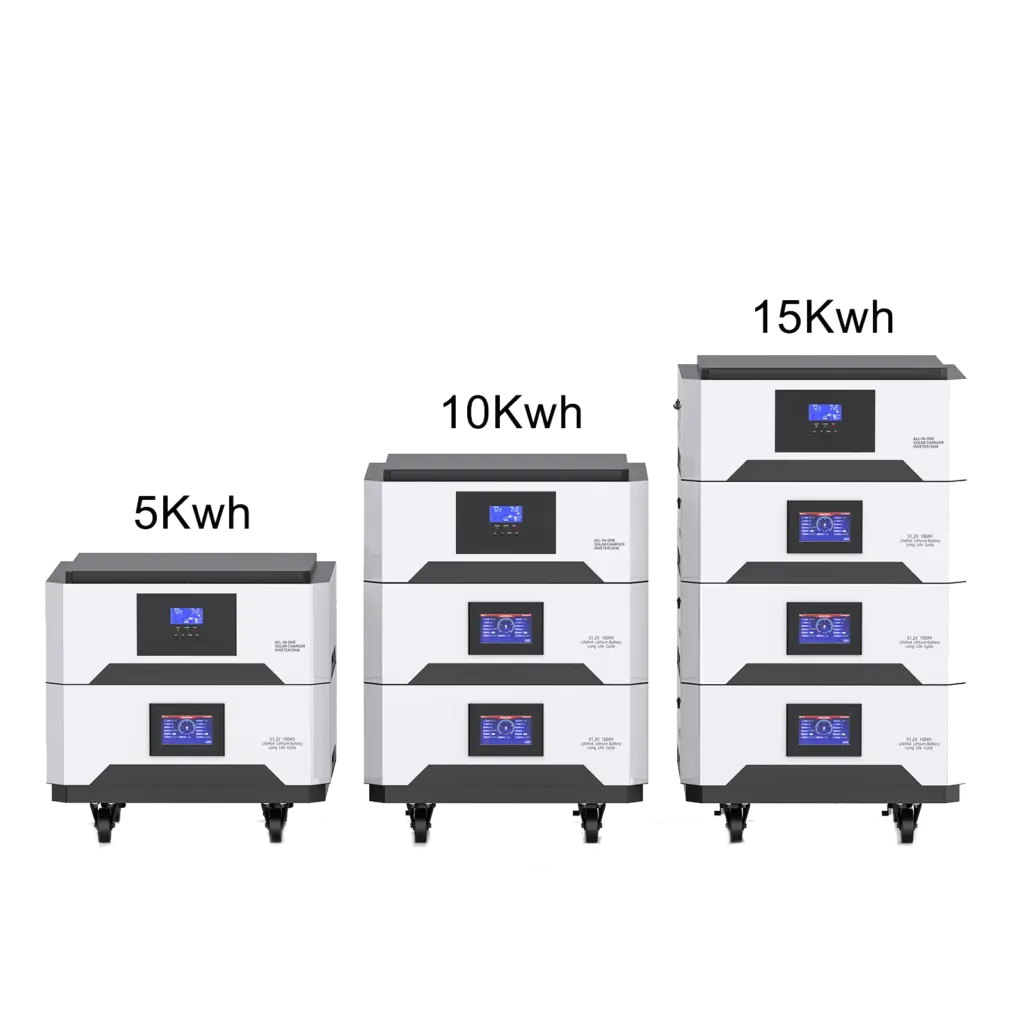
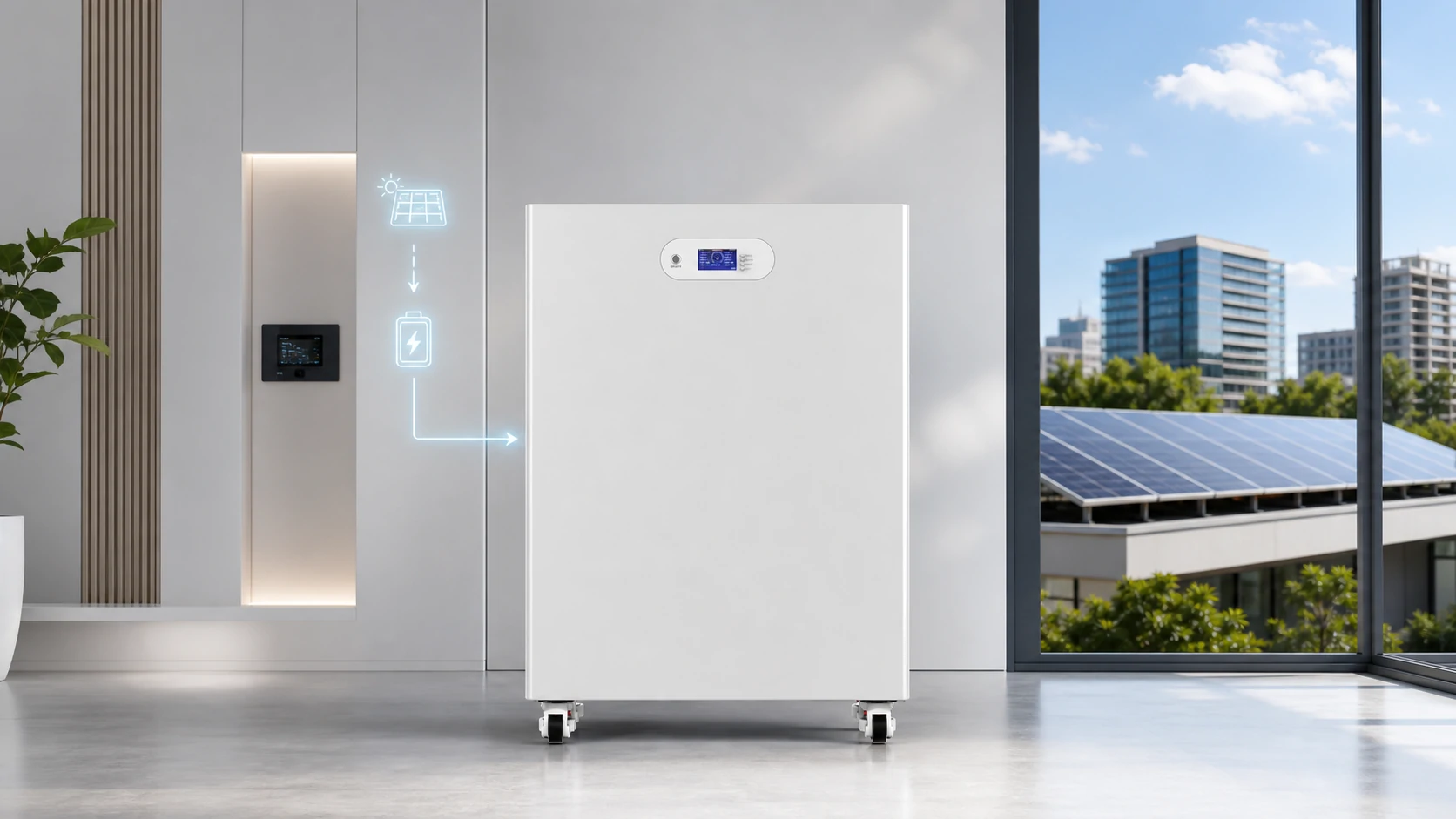
Avepower’s 5 kWh, 10 kWh and 15 kWh stackable solar batteries use LiFePO4 chemistry with smart BMS monitoring, Bluetooth/WiFi monitoring, and communication options such as CAN, RS485 and RS232. The page also states that users can monitor SOC, voltage, current, temperature, and alerts through smart monitoring.

What Is a Good SOC Range for Batteries?
There is no single SOC range that fits every battery chemistry and application. The best SOC range depends on the system design, manufacturer settings, backup reserve needs, temperature, and cycle-life goals.
However, for many lithium solar battery systems, users should avoid frequently forcing the battery into extreme conditions:
- Avoid unnecessary deep discharge to 0%
- Avoid storing a battery fully discharged
- Avoid keeping some lithium batteries at 100% SOC for very long periods unless the system is designed for it
- Keep enough backup reserve if the battery is used for outage protection
- Follow the manufacturer’s recommended charge and discharge limits
For home solar storage, a common practical strategy is to use most of the battery capacity daily while keeping a reserve for safety and backup. For example, a homeowner may reserve 10% to 20% SOC to protect the system and maintain emergency energy.
Always follow the battery manufacturer’s manual because recommended SOC windows can vary by chemistry, BMS design, inverter settings, and warranty requirements.
How to Read SOC on a Battery Display or App
Modern lithium batteries may show SOC through:
- LCD screen
- Inverter display
- Mobile app
- Bluetooth monitoring
- WiFi monitoring
- EMS platform
- Cloud dashboard
- RS485/CAN communication data
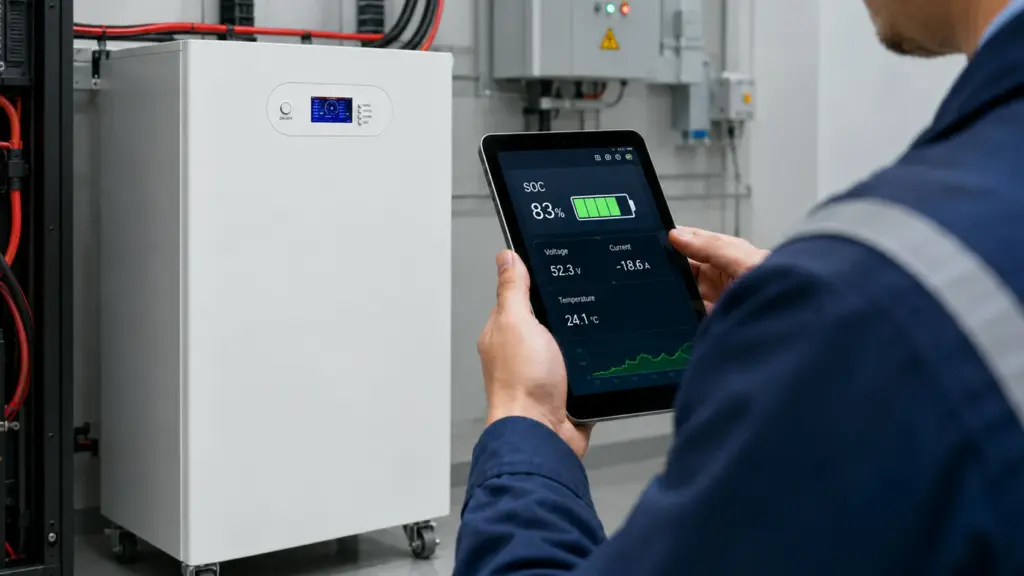
When reading SOC, do not look at the percentage alone. Also check:
- Battery voltage
- Charge/discharge current
- Battery temperature
- Alarm status
- Cell voltage difference
- Remaining capacity
- SOH if available
- Inverter charge/discharge mode
- Backup reserve setting
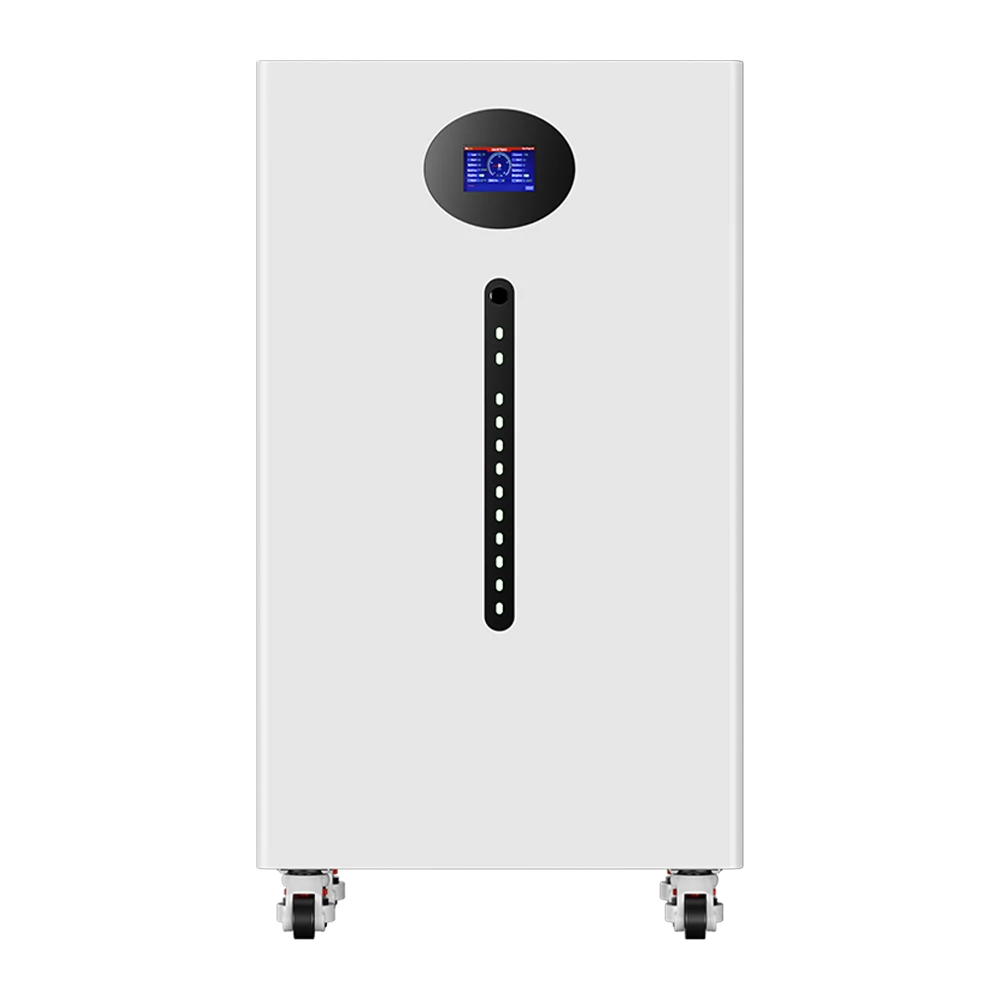
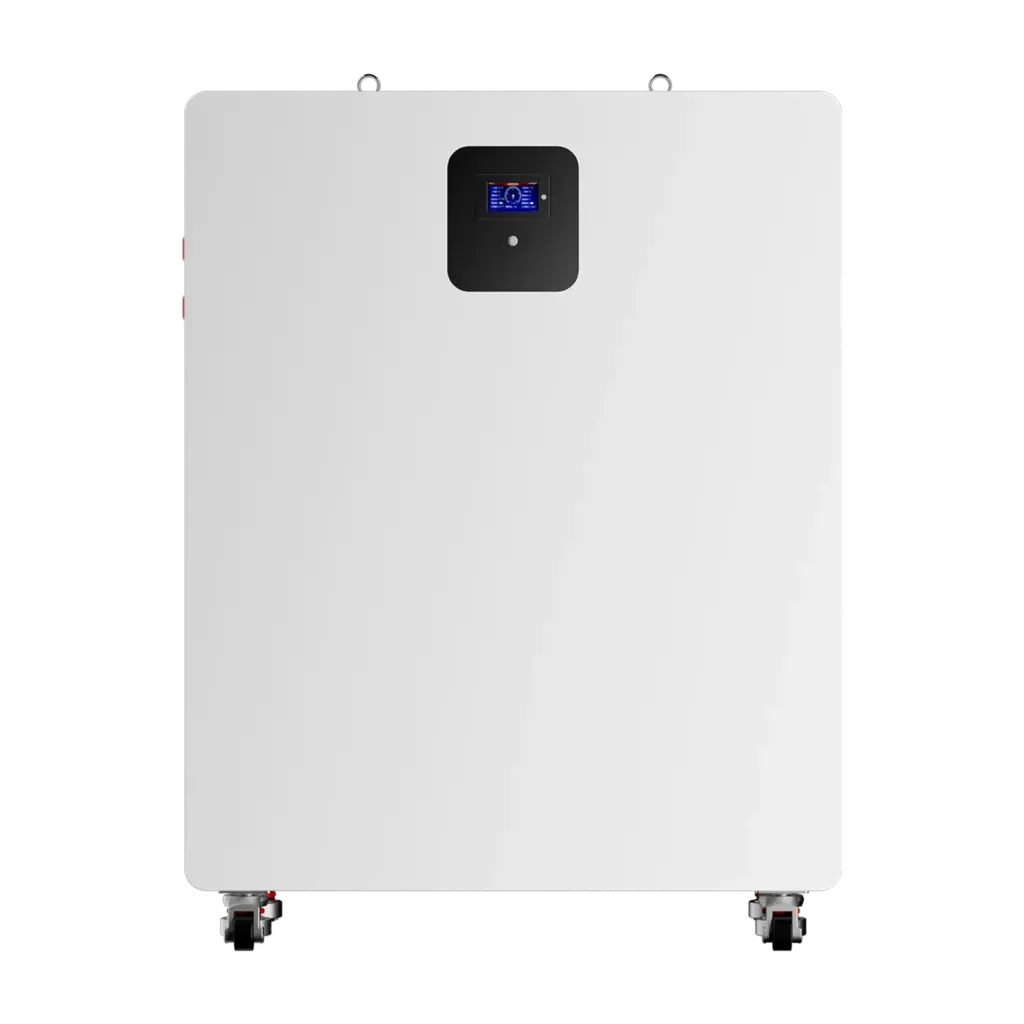
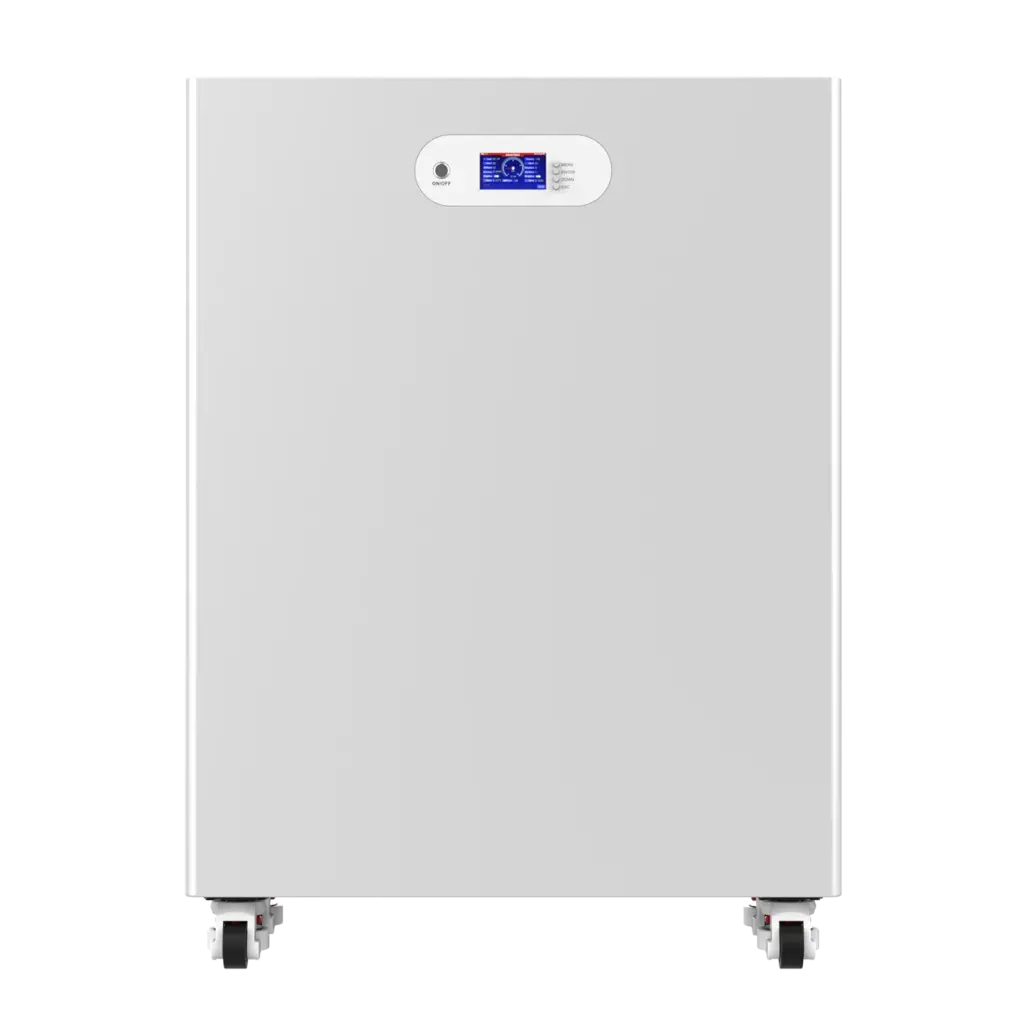
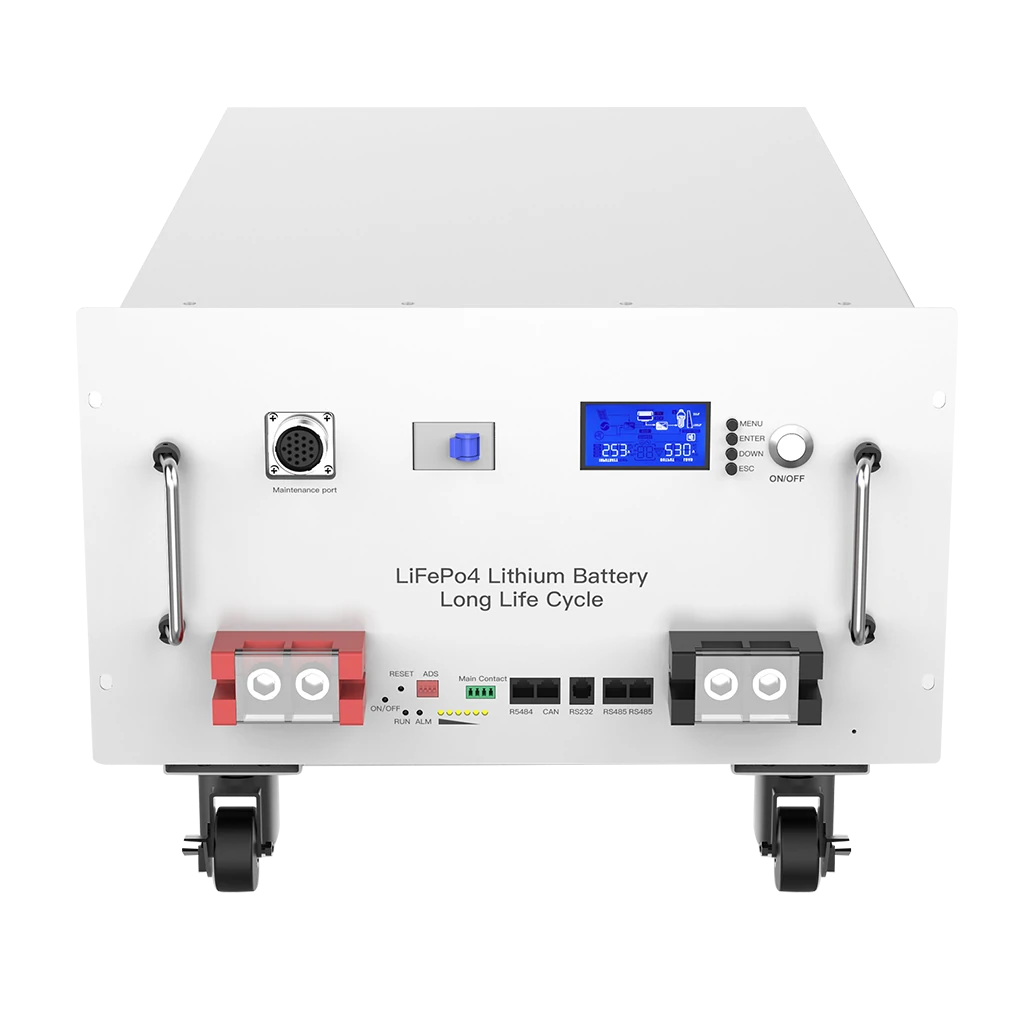
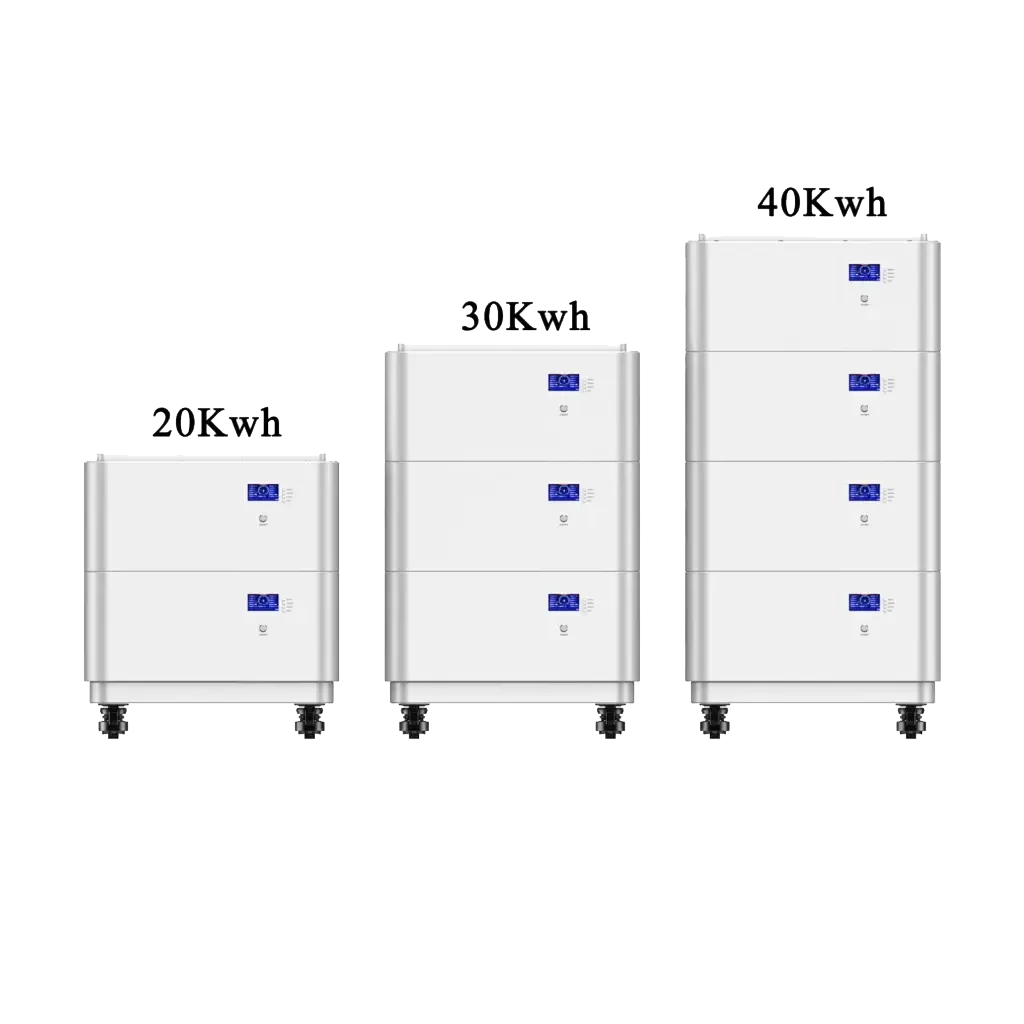
For example, Avepower’s 50 kWh solar battery includes a 300A smart BMS, CAN/RS485/RS232 communication, Bluetooth monitoring, and a display screen. This type of monitoring helps installers and users understand SOC in context rather than treating the battery percentage as an isolated number.
SOC and Battery Runtime: A Practical Example
Let’s say you have a 15 kWh home battery at 80% SOC.
Available stored energy = 15 kWh × 80% = 12 kWhIf your home uses 2 kW continuously:
Estimated runtime = 12 kWh ÷ 2 kW = 6 hoursBut real runtime may be lower because of:
- Inverter conversion losses
- BMS reserve settings
- Temperature
- Load spikes
- Battery aging
- Minimum SOC cutoff
- Actual usable capacity
So SOC is the starting point for runtime estimation, not the full answer. To estimate backup time more accurately, users must combine SOC with battery capacity, load power, inverter efficiency, and usable depth of discharge.
SOC Battery Meaning for Installers, Distributors, and Project Developers
Installers use SOC to verify whether the battery is charging, discharging, reserving backup power, or communicating correctly with the inverter. Distributors need accurate SOC behavior to reduce after-sales issues. Project developers rely on SOC data to model backup time, dispatch energy, and maintain system reliability.
For OEM/ODM projects, SOC also affects product design decisions such as:
- BMS selection
- Display logic
- App monitoring design
- Inverter protocol matching
- Reserve SOC settings
- Charge/discharge limits
- Cell balancing strategy
- Warranty and cycle-life assumptions
Avepower supports installers, wholesalers, OEM/ODM brands, and project developers with battery model selection, inverter compatibility, protocol customization, documentation support, and scalable product ranges. We provides factory direct supply, OEM/ODM customization, technical support before ordering, export documentation support, and flexible product options from home storage batteries to commercial systems.
Take Control of Your Energy with Avepower!
Reliable home solar battery solutions with OEM/ODM customization and in-house manufacturing, tailored to the needs of distributors, installers, and energy partners.
Conclusion
The meaning of SOC in a battery is simple: it tells you how much usable energy is left.
If you are selecting a battery system for solar storage, backup power, or OEM/ODM energy storage projects, look beyond the battery percentage on the screen. A good system should combine accurate SOC estimation, reliable BMS protection, clear monitoring, inverter communication, and long-term technical support.
FAQ
SOC means State of Charge. It shows the estimated percentage of usable battery energy remaining. A battery at 80% SOC has more usable energy available than a battery at 20% SOC.
In most user displays, yes. The battery percentage shown on a screen is usually the SOC. However, SOC is an estimate calculated by the BMS, not a direct measurement.
100% SOC means the battery is considered fully charged according to the BMS or monitoring system. It does not always mean the battery still has its original factory capacity, especially if the battery has aged.
0% SOC means the battery has reached its lower usable limit. In many lithium battery systems, the BMS may still keep a hidden reserve to protect the cells from damage.
SOC can be calculated through voltage estimation, Coulomb counting, open-circuit voltage, Kalman filter algorithms, or a combination of methods. Modern lithium battery systems usually use BMS-based estimation.
SOC shows how much charge is left right now. SOH shows how healthy the battery is compared with when it was new.
SOC shows how much energy is left. DoD shows how much has been used. If SOC is 30%, DoD is 70%.
The BMS may stop discharge before true cell depletion to protect the battery from over-discharge. This is normal in many lithium battery systems.
Heavy loads can increase voltage sag, heat, and current draw. The BMS may estimate remaining usable energy differently under high-load conditions.
Use a smart BMS, correct battery capacity settings, reliable inverter communication, proper calibration, good cell balancing, and regular monitoring of voltage, current, temperature, and alarms.
Battery SOC can become inaccurate because of current-sensor error, incorrect battery capacity settings, battery aging, temperature changes, incomplete synchronization and accumulated coulomb-counting error.
The displayed SOC may have drifted, or one or more cells may reach the BMS minimum-voltage limit before the pack-level SOC reaches 0%. Check cell voltages, battery alarms and BMS calibration.
SOC is usually recalibrated by bringing the battery to a verified full-charge condition and allowing the BMS or battery monitor to synchronize. The exact procedure depends on the battery and monitoring system.
Usually not. Modern lithium battery BMS systems commonly use current measurement, voltage, temperature and battery-model data together. Voltage alone can be misleading under load or during charging.