

Do you see a flaky, white, or greenish substance on your battery? That’s corrosion, and it can cause problems with your vehicle’s electrical system, including making it difficult to start. The good news is that you can easily clean this buildup at home. This guide will walk you through the process, explain what causes corrosion, and offer tips to keep your battery in top shape.
What is Battery Corrosion and What Causes It?
Before you start cleaning, it helps to understand what you’re dealing with. Battery corrosion happens when battery acid reacts with the metal terminals and cable clamps. This chemical reaction creates a crusty buildup that looks white, blue, green, or brown. Over time, this corrosion can interfere with the flow of electricity, reducing your battery’s ability to power your car.
While it’s a common issue, corrosion is different from another type of battery buildup called sulfation.
Corrosion vs. Sulfation: What’s the Difference?
| Feature | Corrosion | Sulfation |
|---|---|---|
| Appearance | White, blue, green, or brown flaky buildup | Usually looks like gray or white crystals on the battery plates |
| Cause | A chemical reaction between battery acid and metal terminals | Forms when a battery is left in a discharged state for a long time |
| Solution | Can be easily cleaned and removed | Indicates serious battery damage; the battery often needs to be replaced |
Corrosion is a natural byproduct of a working battery, and you can usually fix it with a simple cleaning. Sulfation, however, is a sign that the battery has been damaged by neglect, and cleaning won’t fix it. If you see a gray buildup and your battery won’t hold a charge, you probably need a new battery.
Why Cleaning Battery Terminals Matters
Clean battery terminals ensure that electricity flows efficiently from the battery to your car’s electrical system. Corrosion increases resistance and can reduce battery performance, causing your vehicle to start slowly or not start at all. Cleaning the terminals is a simple preventive measure that can save you money by avoiding premature battery replacement. Moreover, regular cleaning helps maintain the longevity of your battery.
In addition, cleaning battery terminals reduces the risk of electrical shorts and prevents further chemical reactions that could damage your vehicle. When the terminals are clean, the battery can deliver optimal voltage to all systems, from the starter motor to the lights and infotainment system.
How You Should Clean Corroded Battery Terminals
The battery contains corrosive acid that can cause chemical burns to your skin and eyes. It can also produce explosive hydrogen gas. Always follow these precautions to protect yourself and your.
- Wear protective gear
- Work in a well-ventilated area
- Turn off the engine and remove the keys
- Avoid sparks
- Clean up spills
You need the right tools and materials. Using appropriate supplies ensures that the cleaning process is safe and effective.
Tools and Materials You Will Need
- Wrench or socket set – loosen terminals
- Battery brush or toothbrush – scrub posts and clamps
- Baking soda – neutralize acid
- Distilled water – rinse residue
- Gloves & goggles – safety protection
- Terminal protectors or grease – prevent future corrosion
- Commercial battery cleaner (optional) – for heavy buildup
Step 1: Disconnect the Battery Cables
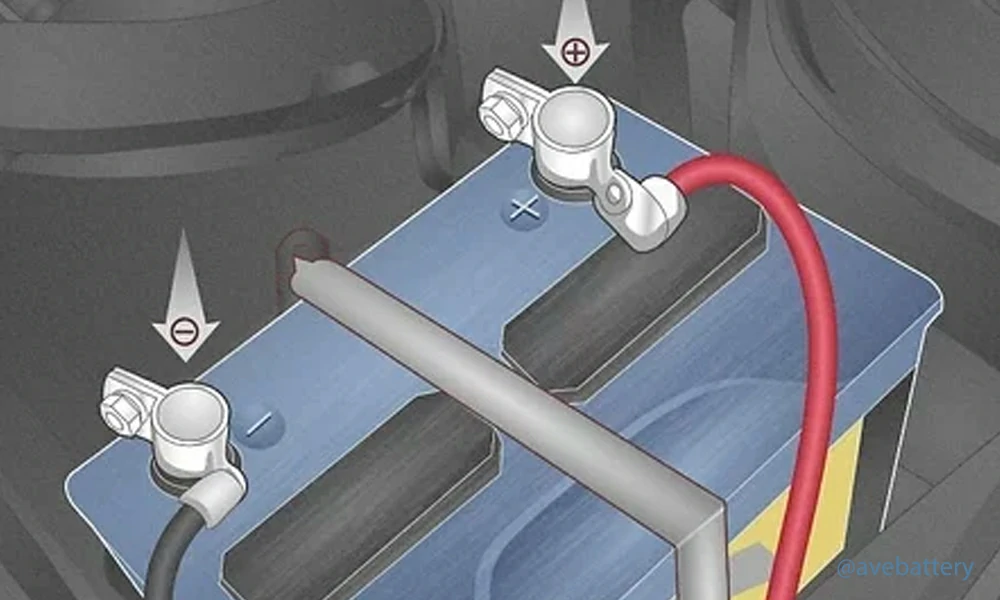
You must always disconnect the negative terminal first.
- Look for the terminal that has a minus sign (-) on it. The cable connected to this terminal is usually black.
- Use your wrench or ratchet to loosen the nut on the clamp.
- Pull the negative cable off of the terminal. If it is stuck, you can gently twist it. Make sure you keep the cable away from the battery and any metal parts of the car.
- Now, do the same thing for the positive terminal. This one has a plus sign (+) on it and is usually connected to a red cable.
Why do you disconnect the negative cable first? The negative terminal is connected to the car’s metal frame. If you accidentally touch your wrench to the car’s body while loosening the positive terminal, you could cause a spark and a short circuit. Disconnecting the negative terminal first eliminates this risk.
Step 2: Check the Battery for Damage
With the cables disconnected, take a close look at the battery itself. Check for any cracks in the plastic case or any visible leaks of liquid around the base. If you see any signs of a crack or a leak, it is not safe to try to clean the battery. You should replace it immediately.
Step 3: Mix the Cleaning Solution
You are going to use a simple mixture of baking soda and water to clean the corrosion. Baking soda is a base, and it will react with the acidic corrosion to neutralize it. This reaction is what creates the fizzing noise and helps to lift the gunk off the terminals.
- Mix about one tablespoon of baking soda with a small amount of warm water in a cup or bowl.
- Stir the mixture until it forms a thick paste, almost like toothpaste.
If the corrosion is particularly stubborn, you can reapply the paste and scrub again. The goal is to get the metal to look clean and shiny.
Step 4: Rinse and Dry
Once the terminals and clamps are clean, it’s time to rinse them off.
- Pour a small amount of clean water over the terminals to wash away the baking soda and any leftover gunk.
- Use a soft, clean rag or cloth to thoroughly dry the terminals and the inside of the cable clamps. Make sure everything is completely dry before reconnecting the cables.
Step 5: Reconnect the Cables
This step is the reverse of disconnecting the cables. You must reconnect the positive cable first.
- Place the positive cable clamp back onto the positive terminal.
- Tighten the nut on the clamp with your wrench until it is snug. Be careful not to overtighten it, as you could damage the terminal.
- Next, place the negative cable clamp back onto the negative terminal.
- Tighten the nut until it’s snug.
How Long Does a Car Battery Last?
The average car battery lasts between three and five years. However, battery life is affected by many factors, including climate, driving habits, and maintenance practices. Hot weather can shorten battery life because it causes the fluid inside to evaporate, putting stress on the internal components. Cold weather, on the other hand, can reduce starting power but usually does not cause permanent damage if the battery is maintained.
Leaving lights or accessories on when the engine is off can drain the battery, so always double-check that all electronics are turned off before exiting your car.
Preventing Battery Sulfation
While corrosion is a common and mostly cosmetic problem, sulfation is more serious. Sulfation occurs when lead sulfate crystals form on the battery plates due to extended deep discharge or improper storage. These crystals reduce the battery’s ability to hold a charge.
To prevent sulfation:
- Use a battery maintainer or trickle charger during storage. This prevents the battery from becoming deeply discharged.
- Keep battery terminals clean. Clean connections allow for better charging and prevent irregular voltage buildup.
- Invest in a high-quality battery. AGM (Absorbed Glass Mat) batteries or sealed lead-acid batteries reduce gas release and liquid evaporation, extending the battery’s usable life.
- Charge your battery regularly, even if the vehicle is not in use. Lead sulfate can convert back to lead when the battery is properly charged.
Proper maintenance can significantly extend your battery’s life and reduce the likelihood of sulfation.
When to Replace Your Battery
Even with proper care, all batteries eventually wear out. Here are signs that it may be time to replace your battery:
- Frequent difficulty starting the vehicle
- Bulging or leaking battery casing
- Persistent sulfation or severe corrosion
- Low voltage readings even after charging
If you notice any of these signs, replacing your battery promptly is better than risking a breakdown.
Power Your Ride and Energy Systems
Whether you drive a car or ride a motorcycle, maintaining your battery’s health ensures reliability and safety on the road. Taking a few minutes every few months to check and clean your battery terminals can save you time, money, and unexpected stress.
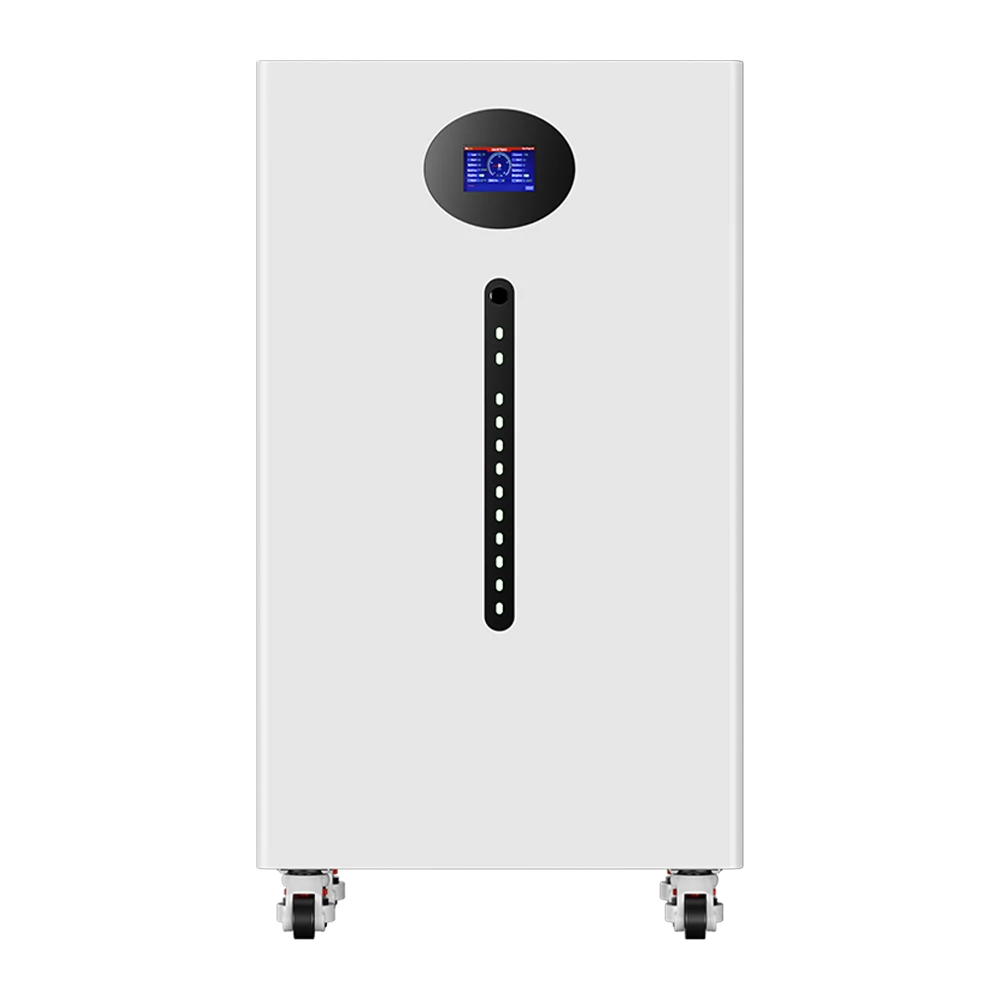
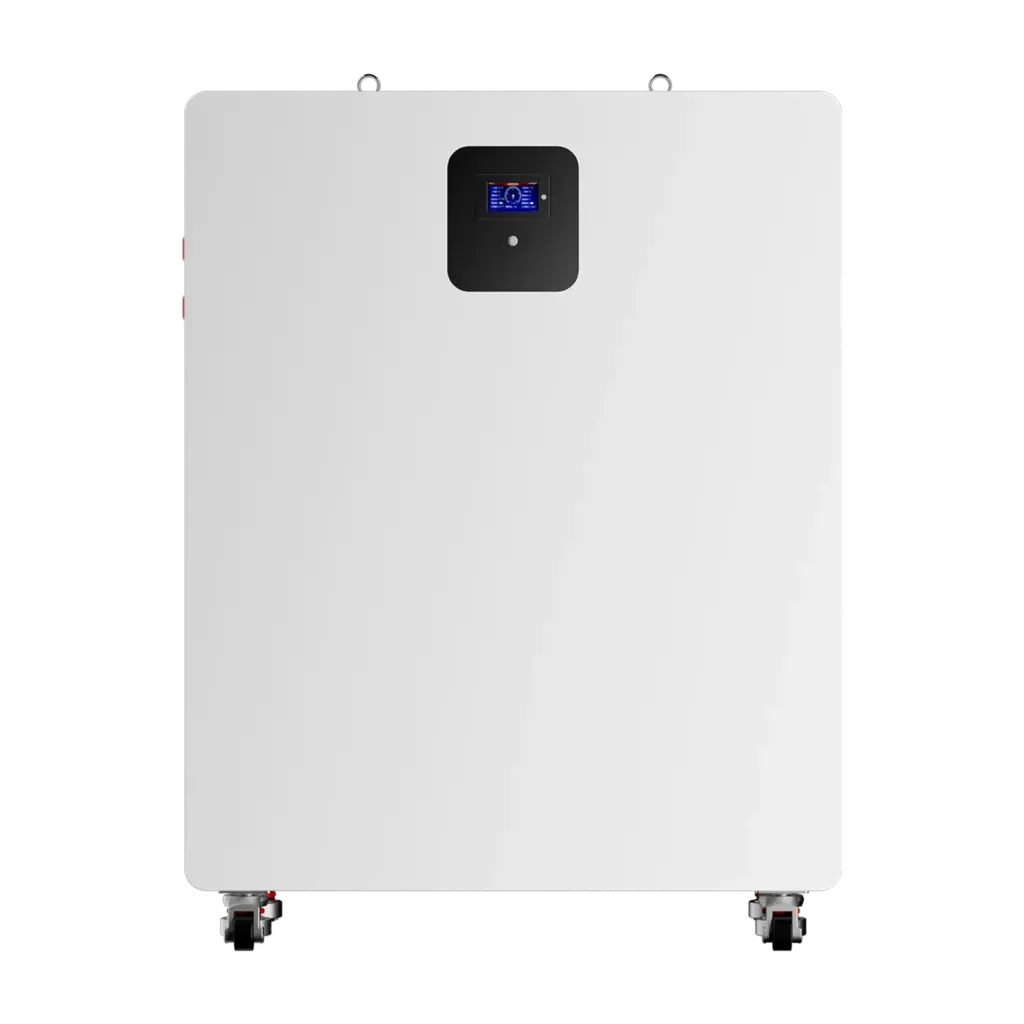
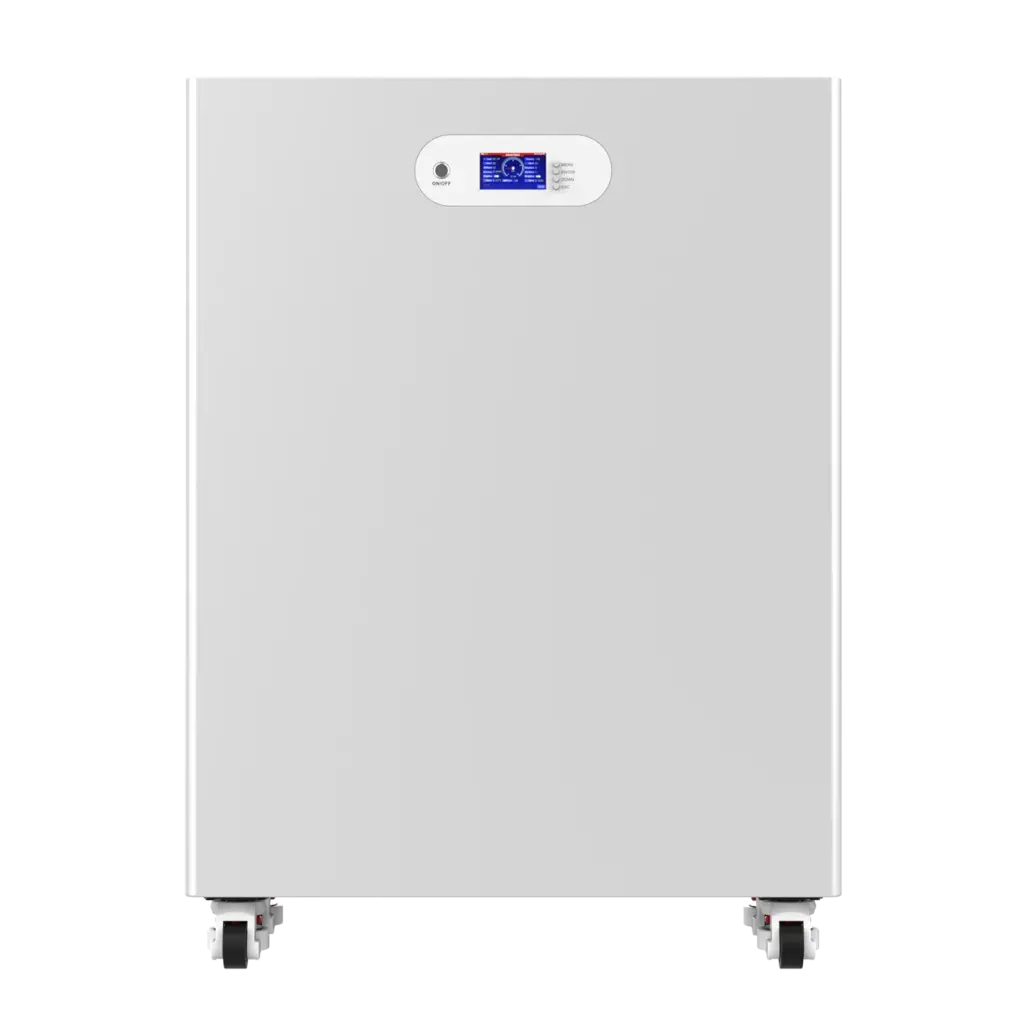
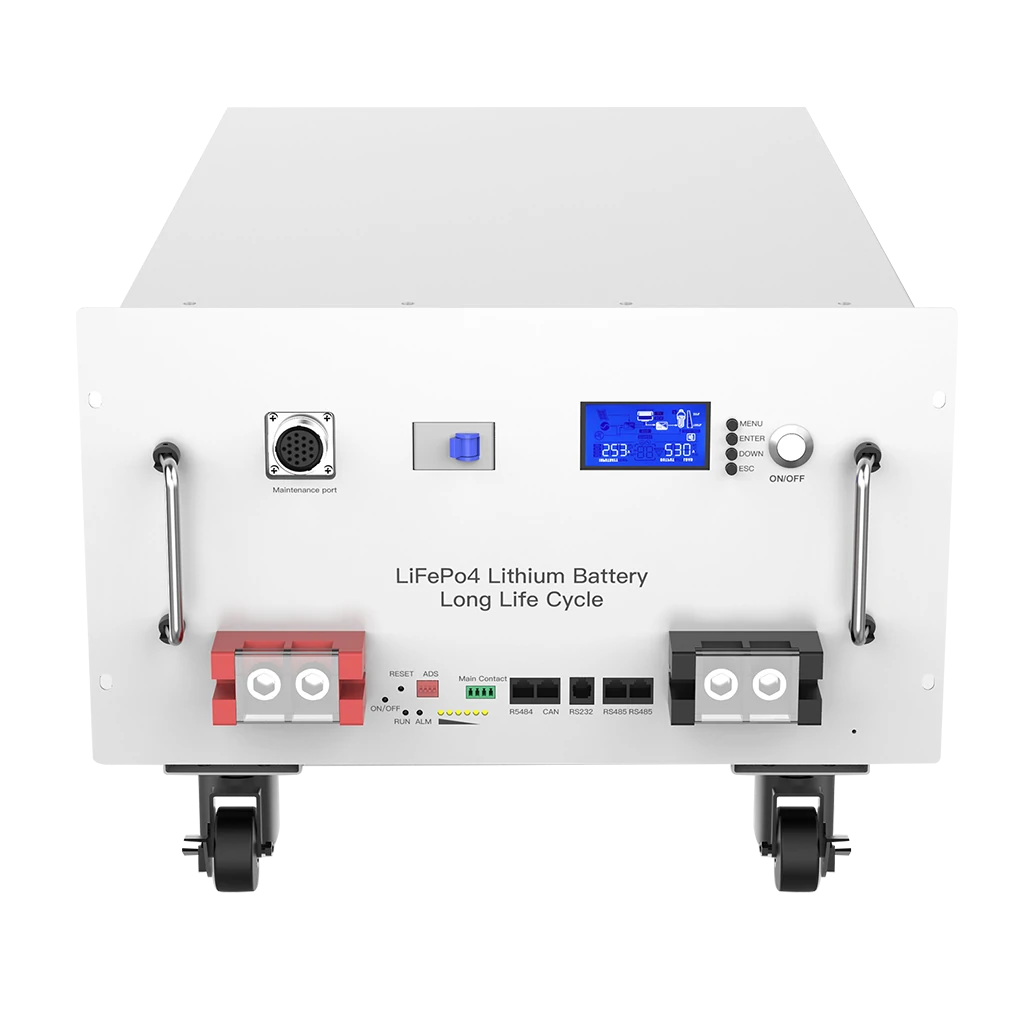
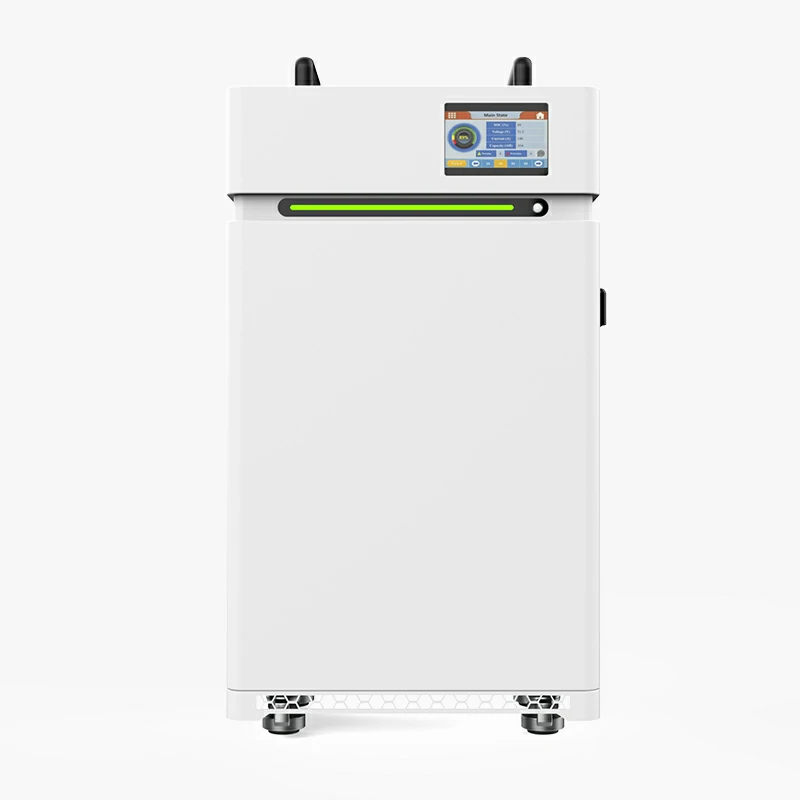
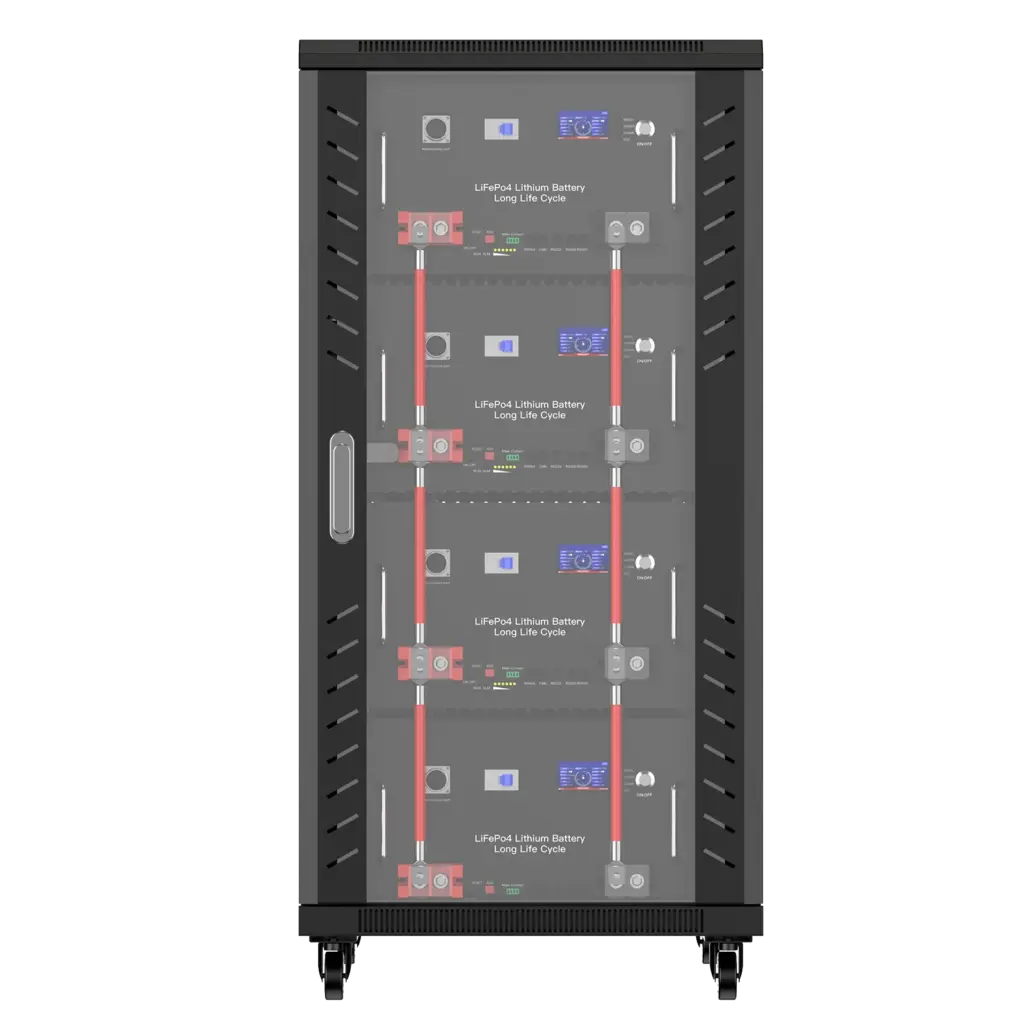
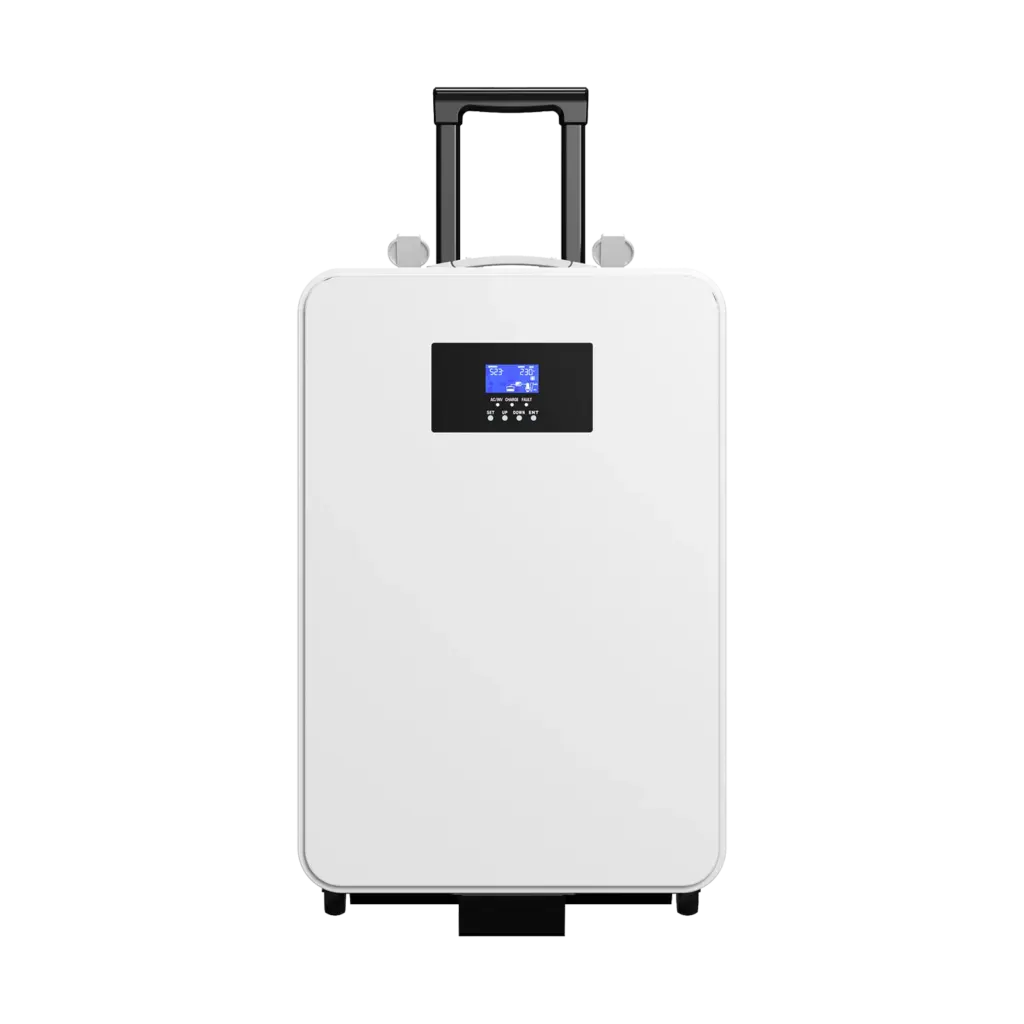
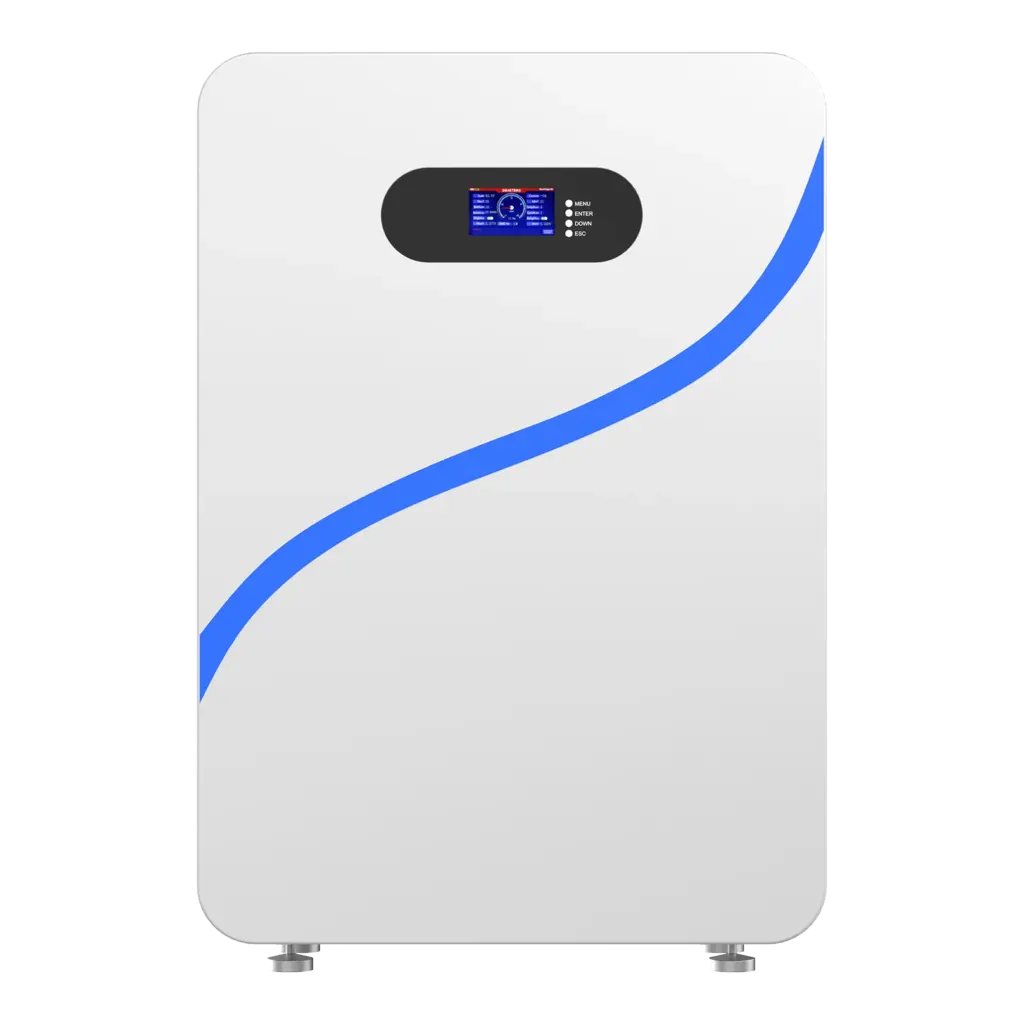
Keep your vehicles and energy systems running at peak performance with Avepower is 72V 30Ah Lithium Battery. Built with premium brand-grade cells and equipped with a smart BMS, this battery delivers consistent power, long cycle life, and stable current output for e-bikes, scooters, motorcycles, and energy storage systems. With full customization support and factory-direct pricing, Avepower makes it easy to get the perfect battery for your needs.
Please contact us immediately to obtain the quote for the lithium battery pack. Provide an energy storage power supply for your vehicle.
FAQ
Inspect your battery terminals every three to six months and clean them as needed. More frequent cleaning may be required in humid or coastal areas.
Sulfation often appears as a grayish crust and is usually a sign of deeper battery damage. Cleaning will not restore a sulfated battery; replacement is recommended.
Corrosion is usually not immediately dangerous but can affect battery performance. Direct contact with battery acid can cause burns or skin irritation.